
How can your browser calculate two hashes from one file read?
A download page may ask for a SHA-256 or SHA-512 checksum—a fingerprint of the file. FluffyBench can calculate both while reading your file just once.
How one file stream feeds two checksum calculations
Imagine reading a long letter aloud while two people listen and take notes by different rules. You don't have to start over for the second listener. Both hear the same words as you go.
FluffyBench Hash Checksum does something similar: it reads your file in pieces and sends each piece to both SHA-256 and SHA-512. Those are two different recipes for making a file's fingerprint, called a checksum or digest.
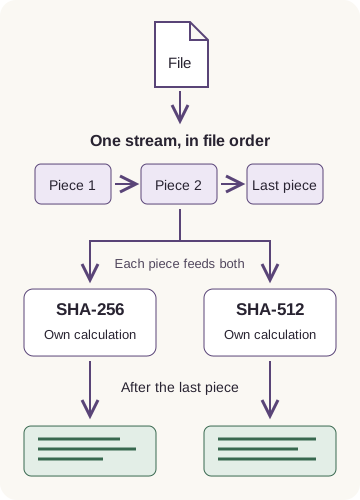
One stream, two calculations
Why does a file get both SHA-256 and SHA-512 checksums?
A download publisher may give you either kind of checksum. Having both ready means you can use whichever recipe the publisher names, without choosing it before you open the file.
Here's dahlia-close-up.jpg in FluffyBench Hash Checksum, with its two fingerprints. Compare a publisher's SHA-256 reference with SHA-256, or a SHA-512 reference with SHA-512.
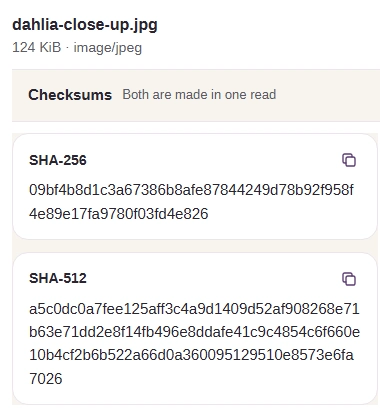
One photo's two fingerprints
- Selected photo
The selected file is dahlia-close-up.jpg.
- SHA-256
The shorter fingerprint belongs to SHA-256.
- SHA-512
The longer fingerprint belongs to SHA-512.
Doing it in FluffyBench: check a downloaded file
Use FluffyBench Hash Checksum to compare your download with a trusted reference. The dahlia photo below makes the steps concrete.
-
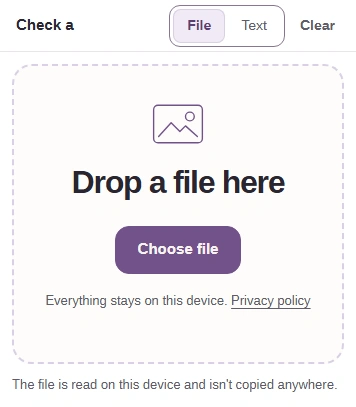
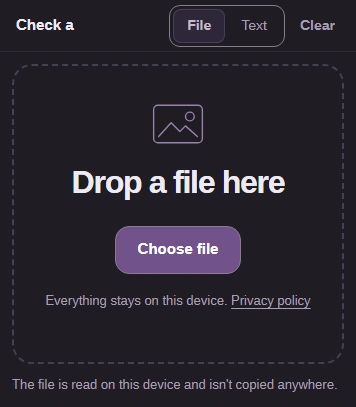
Step 1. Choose your downloaded file. FluffyBench starts calculating as soon as you select it; the file stays on your device. - Use File for a download.
- Choose file opens your file picker.
-
-
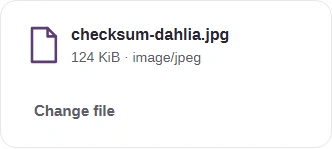
Step 2. Check that you've selected the right download. - Check the filename against your download.
- Change file lets you replace a wrong selection.
-
-
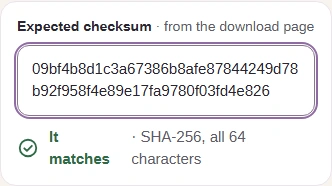
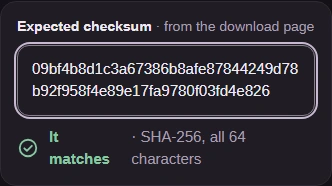
Step 3. Paste the checksum from a publisher you trust for that exact download. Its length picks SHA-256 or SHA-512 automatically. Here we're using the photo's independently calculated reference. - Expected checksum takes the reference value.
- It matches means the complete values agree.
-
-
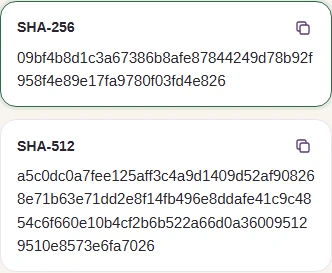
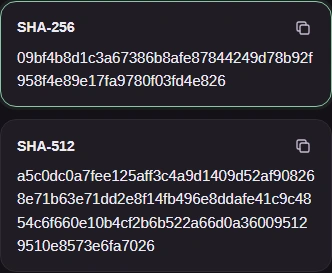
Step 4. The matching algorithm's row is highlighted. If you need the fingerprint as text, use Copy beside its name. - This highlighted SHA-256 value matches the reference.
- Copy SHA-256 copies the complete SHA-256 value.
- The SHA-512 row keeps its separate result.
-
A match means the file agrees with the reference. It doesn't identify the publisher or tell you whether the download is safe to open; our guide to checksums and digital signatures explains that distinction.
How long did both file checksums take on a desktop?
We timed generated files held in memory on a desktop. Each bar measures the wait from choosing a file until both checksums were ready.
Even the largest input, 134.2 MB, finished in under a second in Chrome and just over a second in Firefox on that desktop. You can use the result as soon as both checksum lines appear.