
Which configuration format should I choose: JSON, YAML, TOML, XML, or INI?
Use whatever your app expects. When you get to choose, the real difference is how each format groups your settings and whether it lets you leave notes. Converting between them can quietly drop those notes.
Five layouts for the same notes
A configuration file is a set of written choices a program reads, such as which server to contact. Think of JSON, YAML, TOML, XML, and INI as different layouts for the same notes. The program needs to understand the layout before it can use the choices.
Imagine settings with a server group for the address and a checks group listing paths to check. Follow the group boundaries, the list and the human note in each layout.
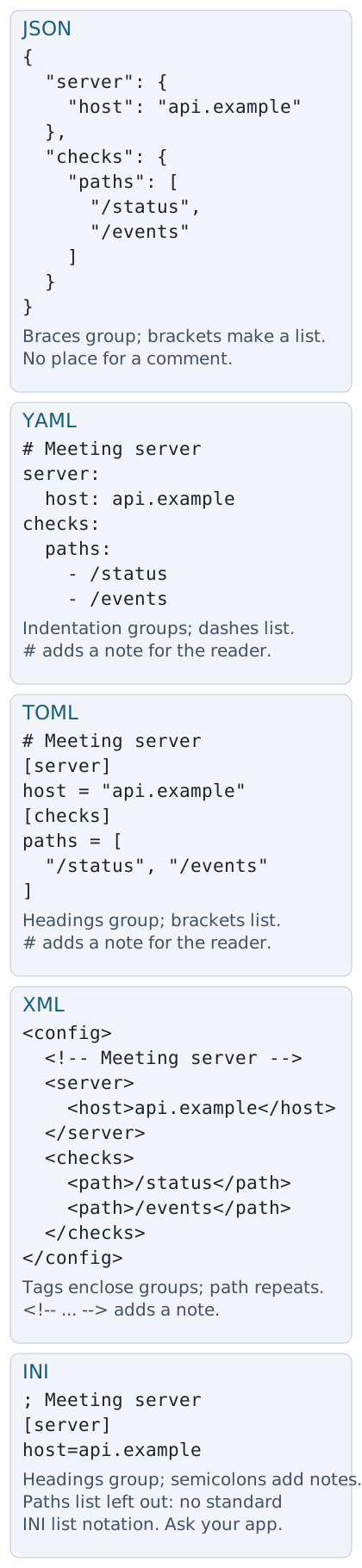
Groups, a list and a note across five formats
Which format fits your settings?
If you get to choose, start with the way you'll edit the settings: follow indentation, scan named groups, or work with tags. You don't need to convert a working file just for its looks.
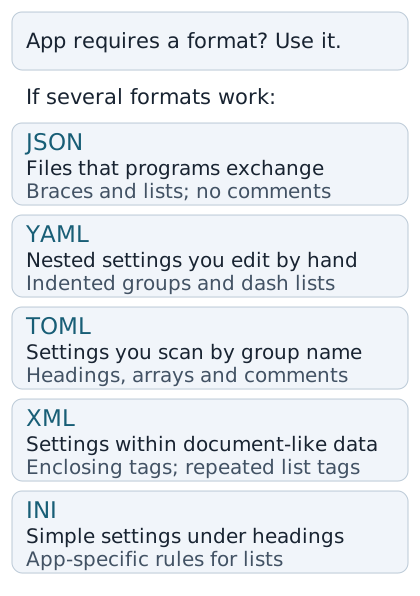
Choose by the layout and notes you'll work with
What can change when you convert settings?
A conversion rewrites settings in the new format's terms. A human note becomes a comment in YAML; converting to JSON removes that note.
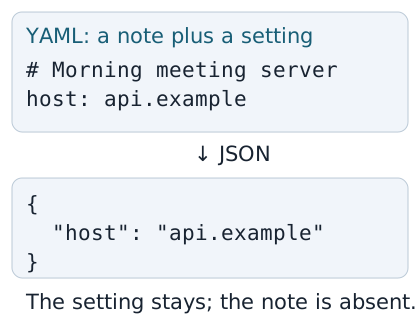
The setting stays; the human note is absent
Even a word can change meaning. Unquoted yes can mean true under YAML 1.1; YAML 1.2 reads it as text. Quotes make your intended word explicit.
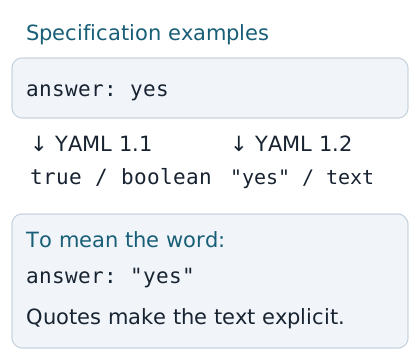
The YAML rules affect how an unquoted word is read
Doing it in FluffyBench
FluffyBench's JSON formatter can tidy YAML or turn it into JSON on your device. The Do choice decides which job you're doing.
-
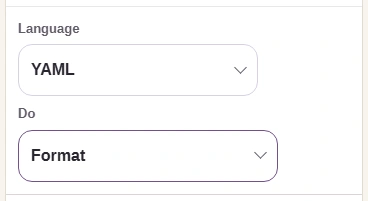
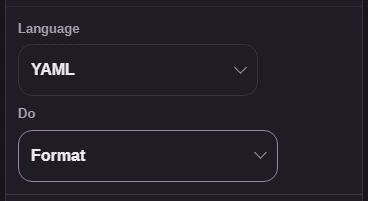
Step 1. Choose YAML to tidy a YAML file without changing its format. - Choose YAML under Language.
- Leave Do on Format.
-
-
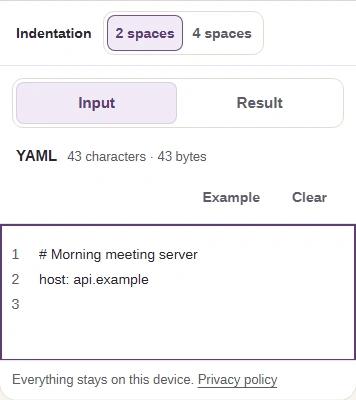
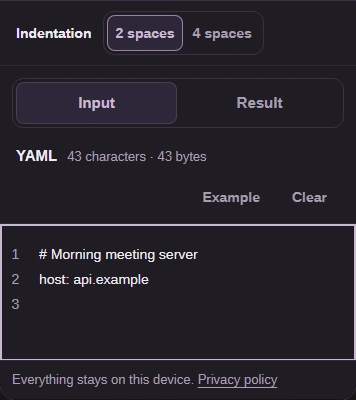
Step 2. Keep your original; paste a copy into Input. Short drafts update as you type. - Paste your settings here.
- Open Result to inspect the formatted YAML.
-
-
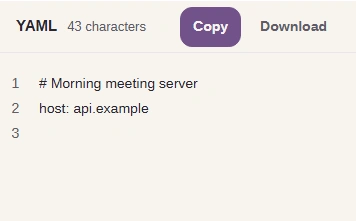
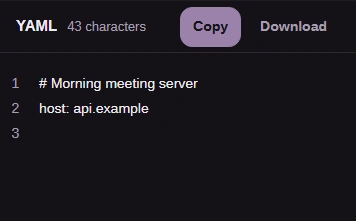
Step 3. Format keeps YAML comments; the first line is still there. - Check that the comment and host are present.
-
-
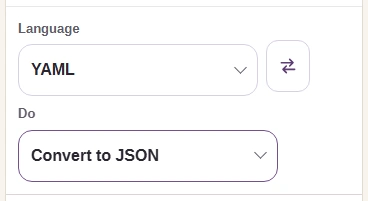
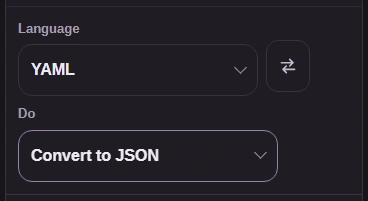
Step 4. For a JSON destination, change Do to Convert to JSON; paste the YAML into Input again if needed. - Choose Convert to JSON.
-
-
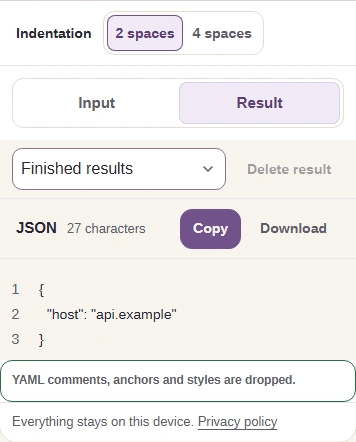
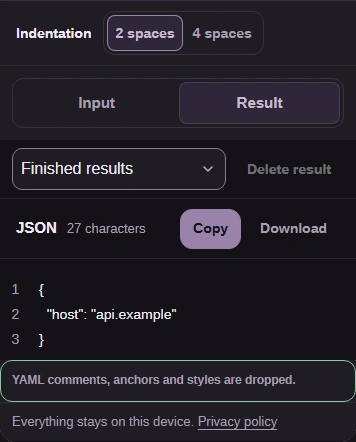
Step 5. Open Result, check the JSON and the loss notice, then Copy the text or Download config-result.json. - Read what the conversion dropped.
- Copy the text or Download the JSON file.
-
Check that your app reads the converted settings as you intended.
If JSON won't parse at all, the JSON syntax guide explains common quote and punctuation mistakes.