When does a URL use %20 or a plus sign?
Use %20 for a space in a URL component; a plus sign means a space in form-style query data.
They look like two spellings for the same thing, but the right one depends on how the value will be read.
Why do spaces become %20 or +?
A space is %20 in a URL component. In form-style query data, it can be +. Think of two address-label systems: both carry your text, but you need a reader that knows the spelling rules. A component is one piece of a URL, such as a search value; form-style query data packages names and values together.
Take the value a b+c. The space gets a different spelling in each format; the literal plus becomes %2B in both.
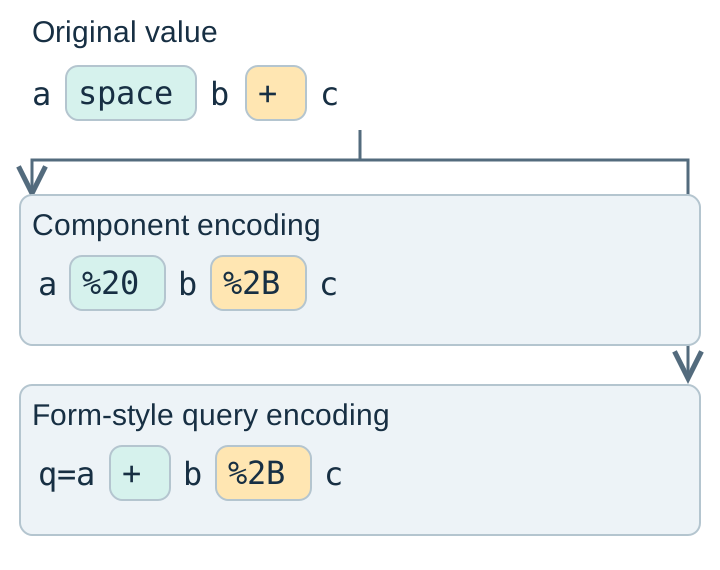
Form-style encoding is called application/x-www-form-urlencoded. URLSearchParams, JavaScript's helper for building and reading query pairs, uses those rules. A plus isn't a universal spelling for a space everywhere in a URL.
Why encode a search value before adding it to a link?
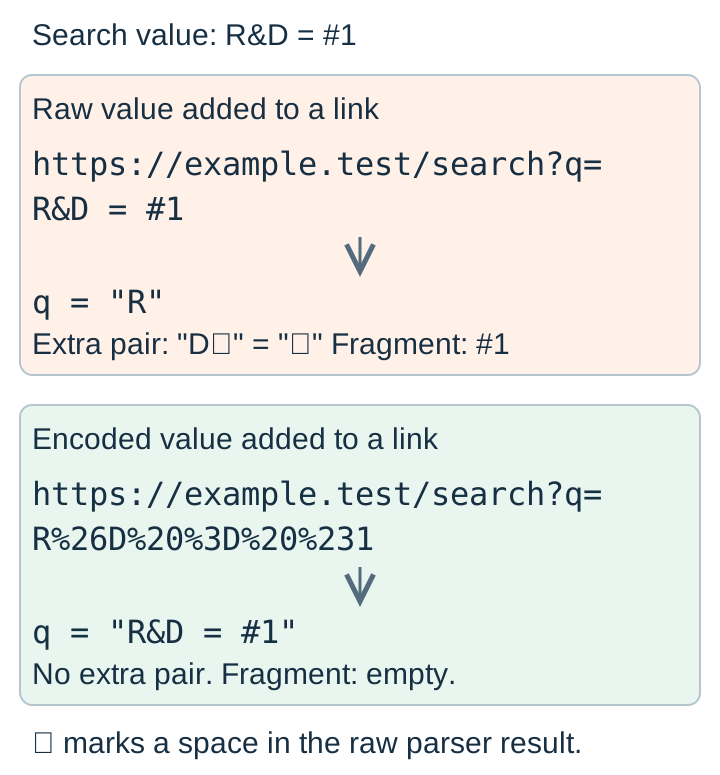
A URL is an address label with dividers. A question mark opens the query, an ampersand separates its name-and-value pairs, and a hash starts a fragment, such as a place within a page. Encoding keeps punctuation in your text from being mistaken for those dividers.
Suppose your search phrase is R&D = #1. Adding it raw after q= splits the phrase; encoding the value keeps it together.
Which part of a link should you encode?
For a hand-built link, encode the original value once. Leave the address and its dividers outside the component encoder.
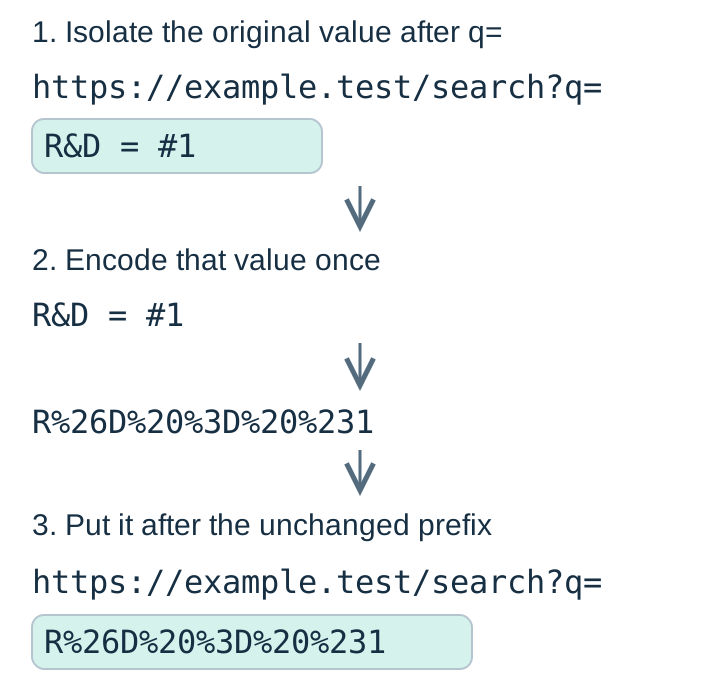
An already encoded value isn't the same input as the original text. Encoding it again turns its percent signs into %25.
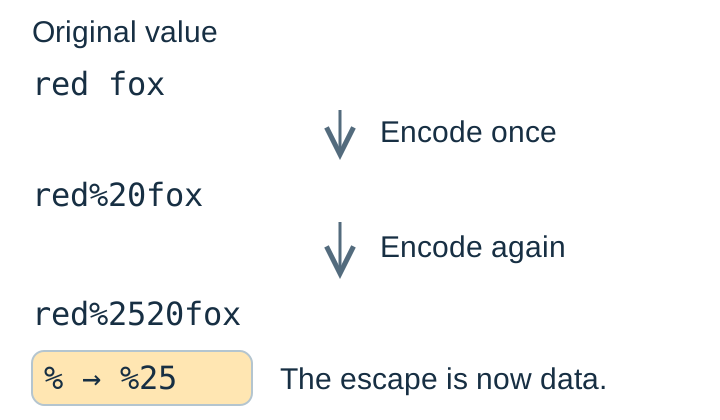
If you're writing JavaScript to build query pairs, URLSearchParams can handle the encoding for you.
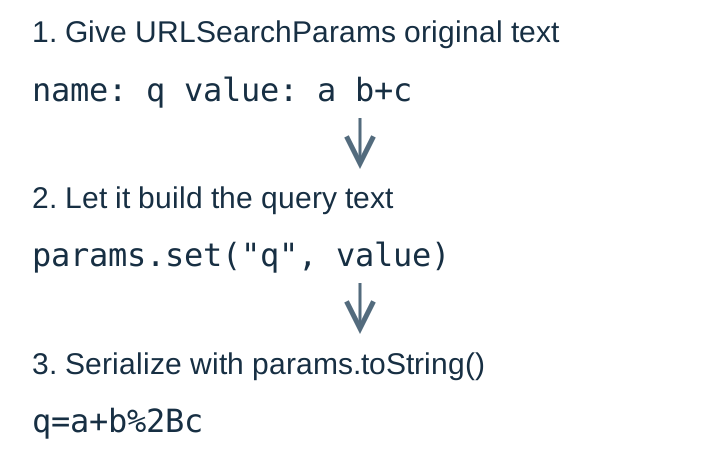
How do you decode spaces and literal plus signs?
Match the reader to the format that produced the text. A component decoder preserves a literal +; a form-style query reader turns it into a space.
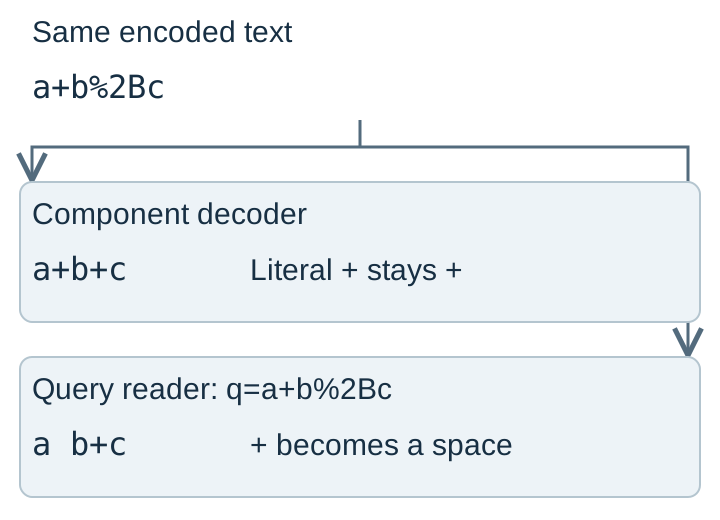
Component decoding with decodeURIComponent(), including FluffyBench's component decoder, rejects broken percent escapes and bytes that aren't valid UTF-8. Query-pair parsing through URLSearchParams is forgiving: malformed escapes can remain as text, and invalid UTF-8 can become replacement characters. A query that parses isn't proof that the original text arrived intact.
Doing it in FluffyBench's URL Encoder
FluffyBench's URL Encoder encodes and decodes one component locally. Its component operations don't build form-style query pairs. Short inputs update automatically, so these examples don't need a run-button click.
To make one value ready for a link, use Component → URL-encoded.
-
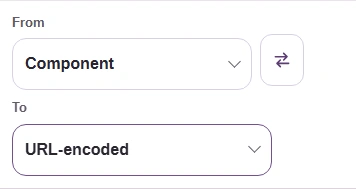
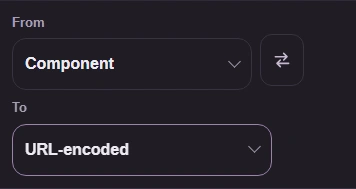
Step 1. Choose From: Component and To: URL-encoded. - From: Component, the one value you have.
- To: URL-encoded, the link-safe spelling.
-
-
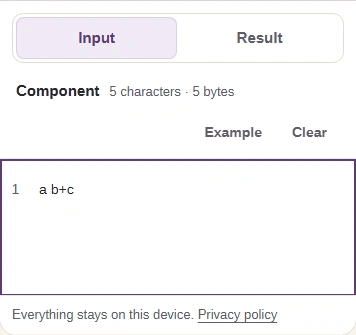
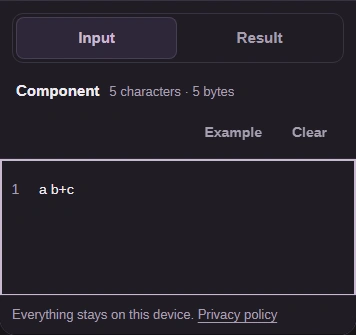
Step 2. Paste only the value, here a b+c. The result updates as you type. - Paste the value: a b+c.
- Open Result on a phone.
-
-
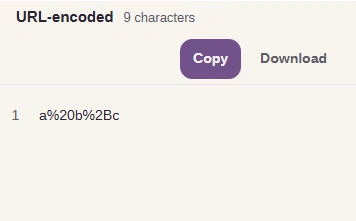
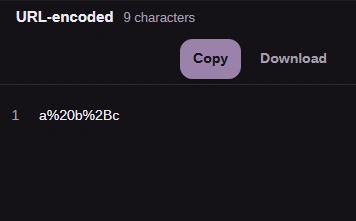
Step 3. Spaces became %20 and the plus sign became %2B. - URL-encoded and the character count.
- Check the result: a%20b%2Bc.
-
-
Step 4. Take the result to another app with Copy, or save it with Download. - Copy puts the result on your clipboard.
- Download saves a text file.
-
To recover one encoded value, use URL-encoded → Component. Copy and Download work the same way in either direction.
-
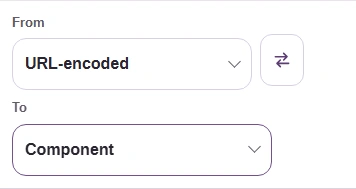
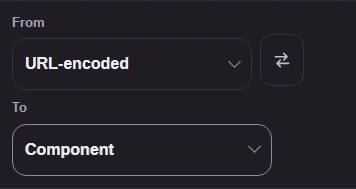
Step 1. Choose From: URL-encoded and To: Component. - From: URL-encoded, the text with percent codes.
- To: Component, the readable value.
-
-
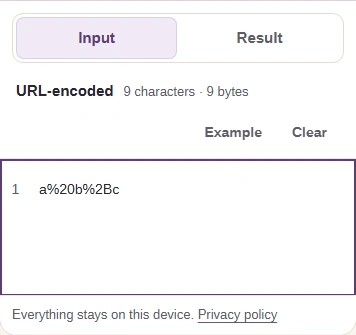
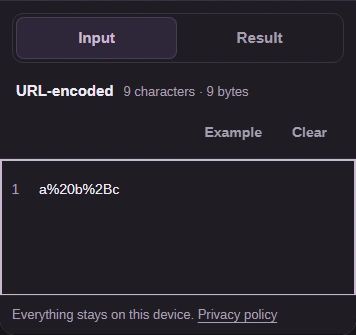
Step 2. Paste the encoded text, here a%20b%2Bc. - Paste the encoded text: a%20b%2Bc.
- Open Result on a phone.
-
-
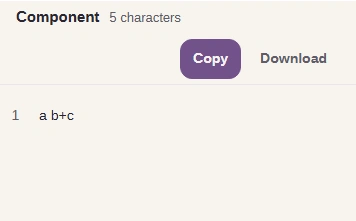
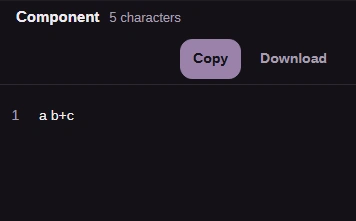
Step 3. The component decoder recovers a b+c. - Component and the character count.
- Check the result: a b+c.
-
Use FluffyBench's URL Encoder to encode or decode one value
What does a percent escape represent?
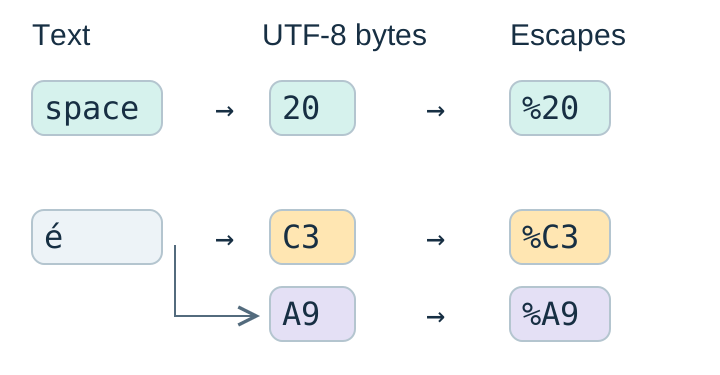
A percent sign followed by 2 hexadecimal digits represents one byte. Hexadecimal is a compact spelling for a byte's value. UTF-8 turns text into bytes before those bytes are escaped.
A space needs one escape. The letter é becomes C3 A9 in UTF-8, so it needs an escape for each byte.