URL encoder and decoder, URL parser and Punycode domains

URL encode/decode a query value, parse a complete URL into its parts, or convert Unicode domain names to Punycode and back.

FluffyShield Protected workspace
From
To

Choose text conversion

FluffyShield

Isolated workspace: other page scripts can't read your files. How FluffyShield works

How do I put text into a link, or read one?

Need to put a name with spaces into a link, or turn %20 back into readable text? FluffyBench's URL encoder can encode one value, decode it, show a complete web address piece by piece, or switch a domain name between its two spellings.

The job at a glance
  1. Choose From for the text you have and To for what you need
  2. Paste the text; short text updates as you type
  3. Check the result and copy it

Limits FluffyBench's URL encoder only rewrites the text you give it. It doesn't open the address, look up the domain or tell you whether a site is safe.

Which From and To choice fits your text?

FluffyBench's URL encoder has one From and To pair for each of these jobs. Find the line that describes your text.
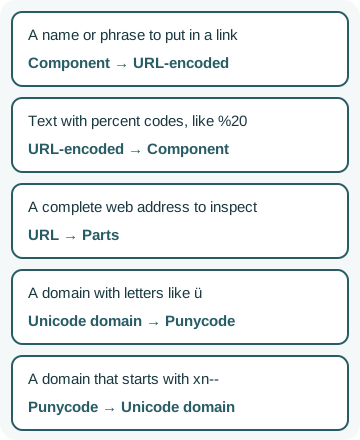
Five jobs: a name or phrase for a link uses Component to URL-encoded; text with percent codes uses URL-encoded to Component; a complete web address uses URL to Parts; a domain with letters like ü uses Unicode domain to Punycode; a domain starting with xn-- uses Punycode to Unicode domain.

Five URL jobs and their From and To choices

Pick From for the text you have; To then offers what it can become. How we measured

Doing it in FluffyBench: put a name or phrase into a link

Think of a web address as a labeled envelope: its punctuation, such as / ? = and &, marks where each part starts, and your value is the note tucked into one part. Encoding rewrites anything in the note that could pass for punctuation as a percent sign and two characters, so a space becomes %20. Each pair stands for one byte, so é, which takes two bytes, becomes %C3%A9.

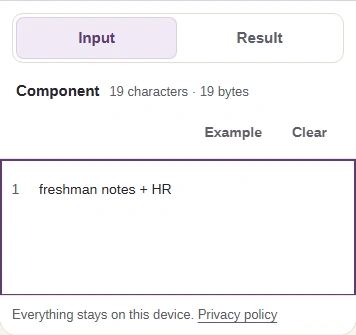
Here's how to encode freshman notes + HR with FluffyBench's URL encoder, from choosing the pair to copying the result.
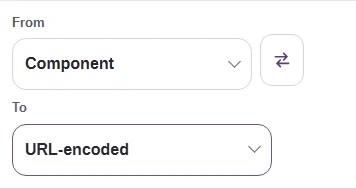
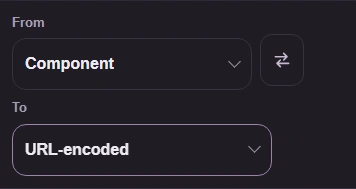
  1. FluffyBench From and To controls set to Component and URL-encoded.
    FluffyBench From and To controls set to Component and URL-encoded.
    Step 1. Choose From: Component and To: URL-encoded.
    1. From: Component, the one value you have.
    2. To: URL-encoded, the link-safe spelling.
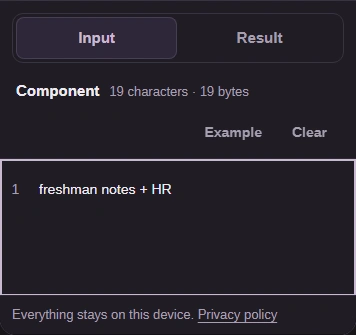
  2. Phone Input view with freshman notes + HR and the Input and Result tabs.
    Phone Input view with freshman notes + HR and the Input and Result tabs.
    Step 2. Paste only the value, here freshman notes + HR. The result updates as you type.
    1. Paste the value: freshman notes + HR.
    2. Open Result on a phone.
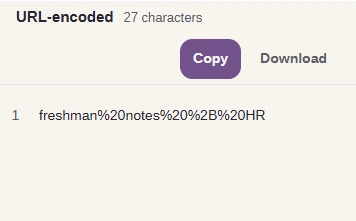
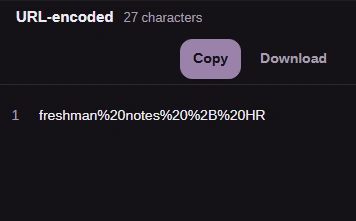
  3. FluffyBench result freshman%20notes%20%2B%20HR under the URL-encoded label.
    FluffyBench result freshman%20notes%20%2B%20HR under the URL-encoded label.
    Step 3. Spaces became %20 and the plus sign became %2B.
    1. URL-encoded and the character count.
    2. Check the result: freshman%20notes%20%2B%20HR.
  4. FluffyBench Copy and Download buttons, shown close up.
    FluffyBench Copy and Download buttons, shown close up.
    Step 4. Take the result to another app with Copy, or save it with Download.
    1. Copy puts the result on your clipboard.
    2. Download saves a text file.

Once you've copied the result, paste it into its slot in the link and leave the address around it alone.
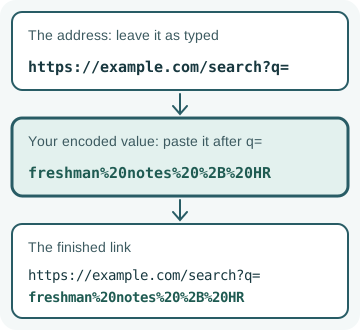
The address https://example.com/search?q= stays as typed, the encoded value freshman%20notes%20%2B%20HR goes after q=, and together they make the finished link.

Where an encoded value goes in a link

Encode only the value. Put a whole address through Component → URL-encoded and its punctuation gets encoded too: https: becomes https%3A, and the link stops working.

Doing it in FluffyBench: turn percent codes back into text

Decoding is the same swap in reverse. Choose From: URL-encoded and To: Component, and each percent pair turns back into the character it stood for.
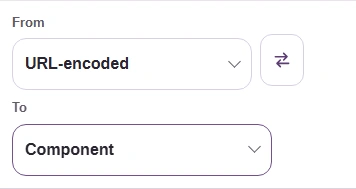
  1. FluffyBench From and To controls set to URL-encoded and Component.
    FluffyBench From and To controls set to URL-encoded and Component.
    Step 1. Choose From: URL-encoded and To: Component.
    1. From: URL-encoded, the text with percent codes.
    2. To: Component, the readable value.
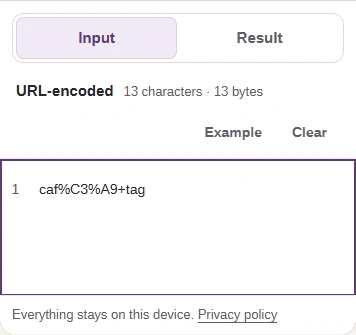
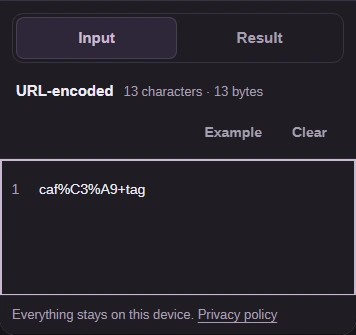
  2. Phone Input view with caf%C3%A9+tag and the Input and Result tabs.
    Phone Input view with caf%C3%A9+tag and the Input and Result tabs.
    Step 2. Paste the encoded text, here caf%C3%A9+tag.
    1. Paste the encoded text: caf%C3%A9+tag.
    2. Open Result on a phone.
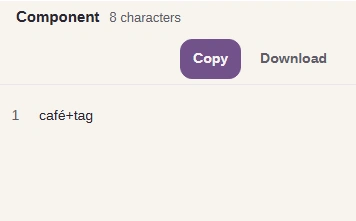
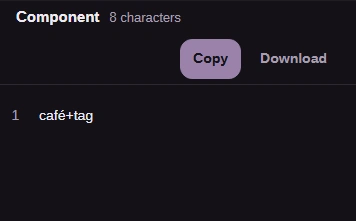
  3. FluffyBench result café+tag under the Component label.
    FluffyBench result café+tag under the Component label.
    Step 3. %C3%A9 became é, and the plus sign stayed a plus sign.
    1. Component and the character count.
    2. Check the result: café+tag.

Web forms sometimes write a space as a plus sign, so the same + can mean two things depending on where you read it.
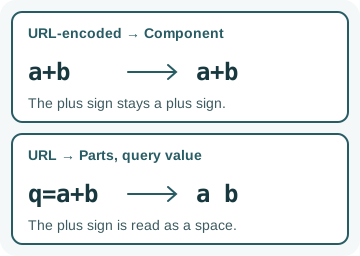
URL-encoded to Component keeps a+b as a+b. URL to Parts reads the query pair q=a+b as the value "a b", with a space.

A plus sign read two ways

If the text came from a form's address, paste the whole address into URL → Parts to read plus signs as spaces.

Doing it in FluffyBench: inspect a complete web address

Before you use or share a long link, it helps to see what's in it. URL → Parts lays the address out like the envelope's labeled boxes: the scheme says what kind of address it is, the host names the site, a port can follow the host, the path points to a page, the query after ? carries extra values, and the fragment after # points to a spot on the page.

Here's how to split a complete address into its pieces with FluffyBench's URL encoder.
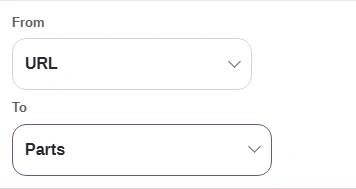
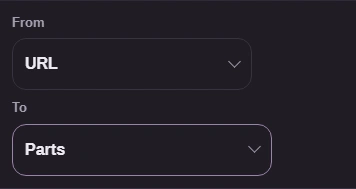
  1. FluffyBench From and To controls set to URL and Parts.
    FluffyBench From and To controls set to URL and Parts.
    Step 1. Choose From: URL and To: Parts.
    1. From: URL, a complete web address.
    2. To: Parts, one line per piece.
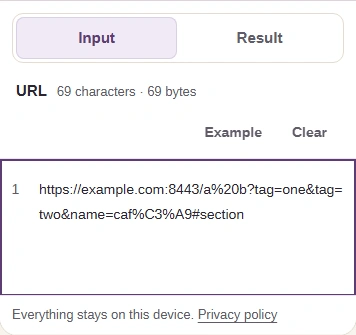
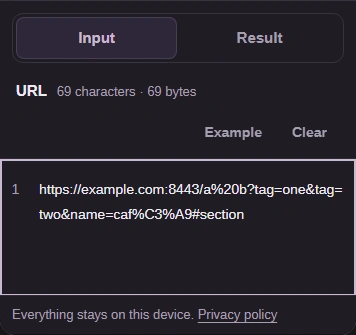
  2. Phone Input view with the address https://example.com:8443/a%20b?tag=one&tag=two&name=caf%C3%A9#section and the Input and Result tabs.
    Phone Input view with the address https://example.com:8443/a%20b?tag=one&tag=two&name=caf%C3%A9#section and the Input and Result tabs.
    Step 2. Paste the whole address, starting with https://, then open Result.
    1. Paste the complete address.
    2. Open Result on a phone.

The Parts report for that address, shown on a wider screen. The query line keeps the percent codes as typed, while queryPairs decodes them, so name comes out as café.
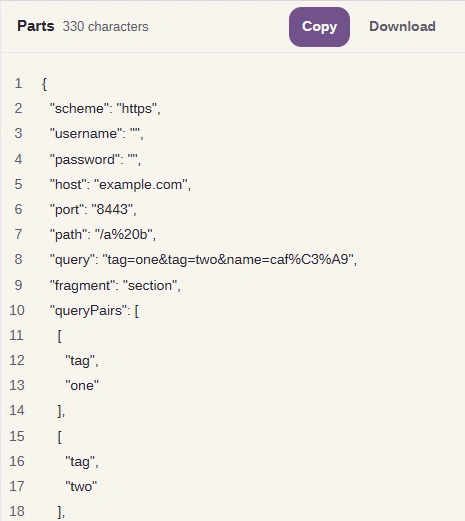
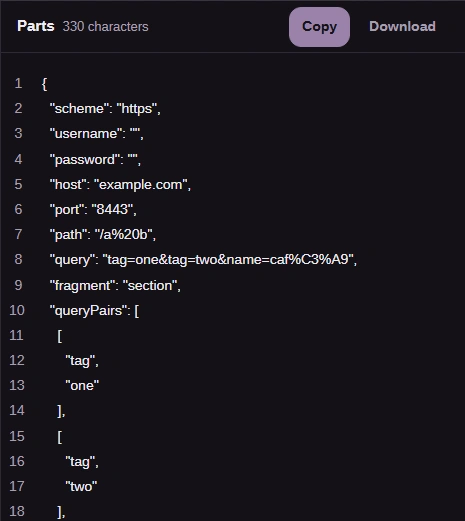
  1. FluffyBench Parts report listing scheme, username, password, host, port, path, query, fragment and queryPairs.
    FluffyBench Parts report listing scheme, username, password, host, port, path, query, fragment and queryPairs.
    Step 1. Each piece gets its own line: host example.com, port 8443, path /a%20b, then the query. Under queryPairs, tag appears twice. If username or password isn't empty, the link carries sign-in details; remove them before you share it.
    1. Read the pieces: host, port, path, query.
    2. Copy copies the whole report.

Doing it in FluffyBench: convert an international domain name

Some domain names use letters outside plain English, like the ü in bücher.example. Those names also have a plain-letter spelling called Punycode, which starts with xn--. It's a second spelling of the same name, not a translation, and some forms and settings screens ask for it.

Here's bücher.example converted to Punycode in FluffyBench's URL encoder.
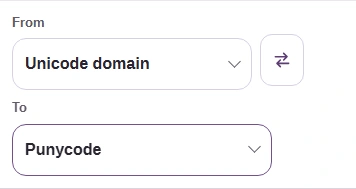
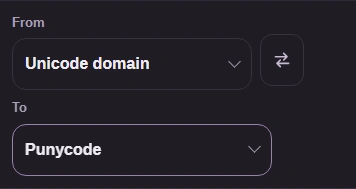
  1. FluffyBench From and To controls set to Unicode domain and Punycode.
    FluffyBench From and To controls set to Unicode domain and Punycode.
    Step 1. Choose From: Unicode domain and To: Punycode.
    1. From: Unicode domain, the readable spelling.
    2. To: Punycode, the plain-letter spelling.
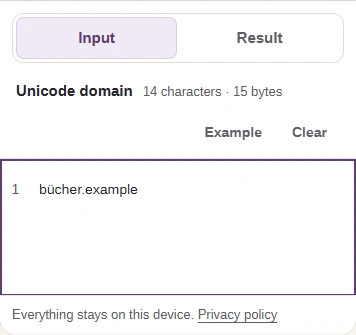
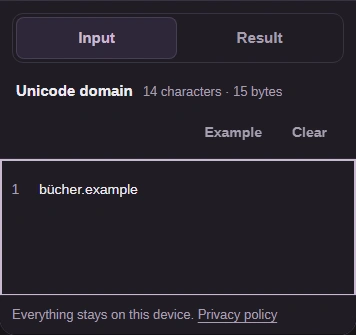
  2. Phone Input view with bücher.example and the Input and Result tabs.
    Phone Input view with bücher.example and the Input and Result tabs.
    Step 2. Paste the domain only, without https://, a path or a port.
    1. Paste the domain: bücher.example.
    2. Open Result on a phone.
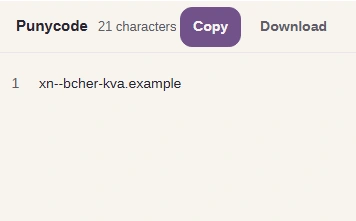
  3. FluffyBench result xn--bcher-kva.example under the Punycode label.
    FluffyBench result xn--bcher-kva.example under the Punycode label.
    Step 3. bücher.example is written xn--bcher-kva.example in Punycode.
    1. Punycode and the character count.
    2. Check the result: xn--bcher-kva.example.

To go the other way, choose From: Punycode and To: Unicode domain.
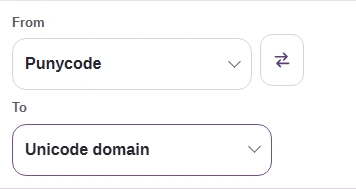
  1. FluffyBench From and To controls set to Punycode and Unicode domain.
    FluffyBench From and To controls set to Punycode and Unicode domain.
    Step 1. Choose From: Punycode and To: Unicode domain.
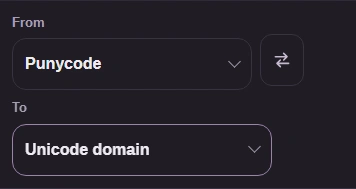
    1. From: Punycode, a name starting xn--.
    2. To: Unicode domain, the readable spelling.
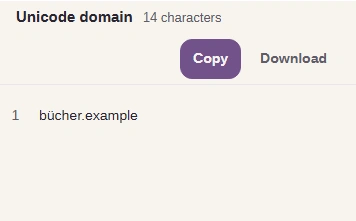
  2. FluffyBench result bücher.example under the Unicode domain label.
    FluffyBench result bücher.example under the Unicode domain label.
    Step 2. xn--bcher-kva.example reads as bücher.example.
    1. Unicode domain and the character count.
    2. Check the result: bücher.example.

When FluffyBench's URL encoder shows a problem

A percent sign has to be followed by two valid characters. When it isn't, FluffyBench's URL encoder marks the spot and explains it.
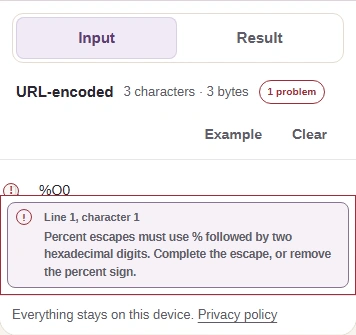
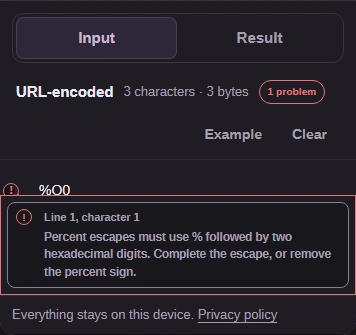
  1. FluffyBench Input with %Q0 marked as an error and a Problems panel explaining that a percent sign needs two hexadecimal digits.
    FluffyBench Input with %Q0 marked as an error and a Problems panel explaining that a percent sign needs two hexadecimal digits.
    Step 1. %Q0 isn't a valid percent code, so FluffyBench names the problem instead of giving a half-decoded result.
    1. 1 problem: the text can't be decoded yet.
    2. Fix the percent code it names, or remove the percent sign.

URL → Parts says “Invalid absolute URL”

Inspect a complete web address

Add the scheme at the start, such as https://. The parser reads complete addresses only.

Domain conversion asks for a domain name only

Convert an international domain name

Remove https://, any path, port or sign-in details. From a whole address, copy the host line from URL → Parts.

Your text is going into JSON or HTML, not a link

FluffyBench's Text escaper

Each of those formats has its own escaping rules, and percent codes don't apply there.

Search FluffyBench