Number base converter

Convert signed or unsigned integer text between binary, octal, decimal and hexadecimal without 32-bit or 53-bit truncation.

FluffyShield Protected workspace
FluffyShield

Isolated workspace: other page scripts can't read your files. How FluffyShield works

Need a number in binary, octal, decimal or hex?

Changing the base changes how a number is written, not how much it is: 255 in decimal is FF in hexadecimal.

FluffyBench's Number base converter rewrites one whole number between those four bases and keeps every digit, even in very long numbers.

How it works
  1. Choose the From and To bases
  2. Enter one whole number
  3. Copy or download the result

Four bases, any direction

Convert between binary (2), octal (8), decimal (10) and hexadecimal (16).

Long numbers stay exact

Every digit is kept; nothing gets rounded.

Stays on your device

The conversion runs in your browser, so your number isn't sent anywhere.

Limits One whole number at a time.

Why does 255 become FF?

Picture a number as a row of boxes, each worth more than the box to its right: 10 times more in decimal, 16 times in hex, 2 times in binary. The amount stays 255; only the digits in the boxes change.

255 in three rows of place-value boxes. Decimal: 2 in the hundreds box, 5 in the tens, 5 in the ones. Hex: F in the sixteens box and F in the ones, because F is 15. Binary: a 1 in each of the eight boxes worth 128, 64, 32, 16, 8, 4, 2 and 1, with each group of four 1s bracketed as one F. Summary: 255 = FF (hex) = 11111111 (binary) = 377 (octal).
Hex needs digits past 9, so it borrows letters: A is 10 and F is 15. Each hex digit matches exactly four binary digits, which makes hex a short way to write binary. How we measured

Octal, the fourth base FluffyBench offers, works the same way with boxes worth 8 times the next, so 255 is 377.

Converting a whole number in FluffyBench

Here's the whole job, turning 255 into hex: choose both bases, type the number, then copy or save the result.
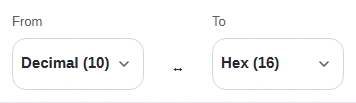
  1. From set to Decimal (10) and To set to Hex (16) above FluffyBench's Number base converter.
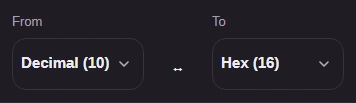
    From set to Decimal (10) and To set to Hex (16) above FluffyBench's Number base converter.
    Step 1. Set From to the base your digits are written in and To to the base you need. FluffyBench asks instead of guessing, because 10 is ten in decimal but two in binary.
    1. From: choose Decimal (10).
    2. To: choose Hex (16).
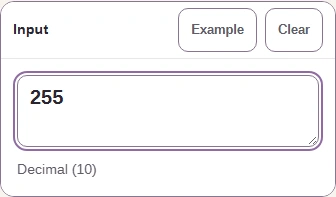
  2. The Input pane holds 255, labeled Decimal (10).
    The Input pane holds 255, labeled Decimal (10).
    Step 2. Type or paste one whole number. The result updates as you type, so there's no Convert button to press.
    1. Type 255 in Input.
    2. Decimal (10) shows how your digits are read.
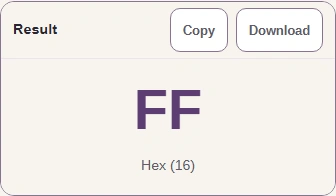
  3. The Result pane shows FF, labeled Hex (16), with Copy and Download buttons.
    The Result pane shows FF, labeled Hex (16), with Copy and Download buttons.
    Step 3. Read the result and its base label. The digits come without a 0x prefix and with capital letters, so add the prefix yourself if your code or form expects one.
    1. Read FF; the label under it names the base, Hex (16).
    2. Copy puts FF on your clipboard.
    3. Download saves FF as a text file.

Which signs and prefixes does FluffyBench accept?

Three quick tries show what Input accepts: a hex number with a sign and prefix, a negative number, and a fraction.
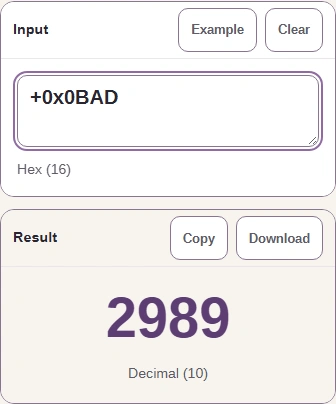
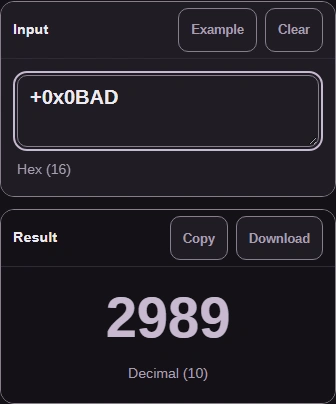
  1. From Hex (16) to Decimal (10): the input +0x0BAD gives the result 2989.
    From Hex (16) to Decimal (10): the input +0x0BAD gives the result 2989.
    Step 1. A + or - sign can lead, and a matching prefix is optional: 0b for binary, 0o for octal, 0x for hex. With From on Hex (16) and To on Decimal (10), +0x0BAD gives 2989.
    1. Type +0x0BAD: a sign, the 0x prefix, then hex digits.
    2. Read 2989 in Decimal (10).
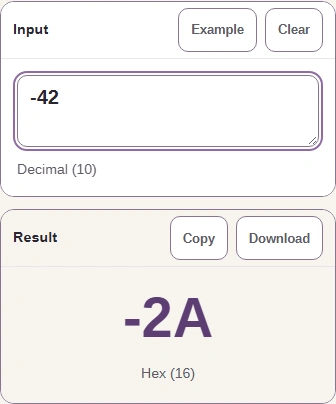
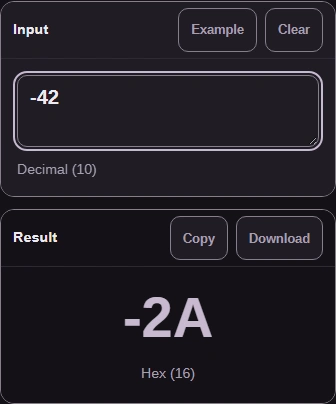
  2. From Decimal (10) to Hex (16): the input -42 gives the result -2A.
    From Decimal (10) to Hex (16): the input -42 gives the result -2A.
    Step 2. A negative number keeps its minus sign. You get a signed number, not the fixed-width bit pattern (two's complement) a computer stores for a negative value.
    1. Back on Decimal (10) → Hex (16), type -42.
    2. Read -2A, minus sign included.
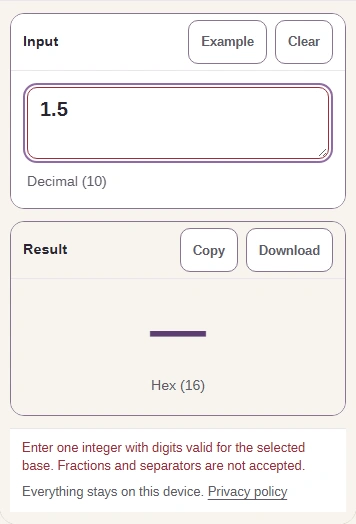
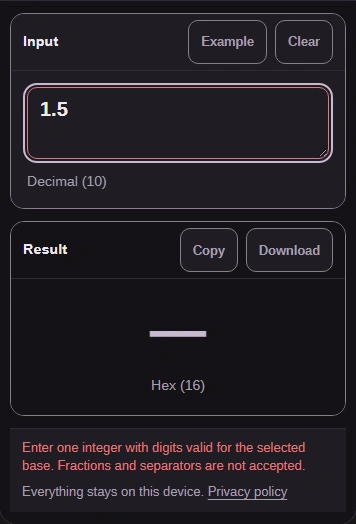
  3. The input 1.5 gives no result and the message: Enter one integer with digits valid for the selected base. Fractions and separators are not accepted.
    The input 1.5 gives no result and the message: Enter one integer with digits valid for the selected base. Fractions and separators are not accepted.
    Step 3. A fraction gets a message instead of a result. Exponents, separators like 1,000, digits that don't belong to the base, and spaces inside the number are refused the same way; spaces at either end are fine.
    1. Type 1.5, a number with a fraction.
    2. Read the message: whole numbers only.

Does FluffyBench keep long numbers exact?

Yes. Long values, like 64-bit IDs, need every digit to come through. Ordinary JavaScript numbers are exact only up to 2 to the 53rd power (about 9 quadrillion); past that, they can round the last digits. FluffyBench uses BigInt, JavaScript's type for exact whole numbers, so nothing gets rounded.

You can check this yourself with the converter's Example button, which fills in a 20-digit number well past that limit.
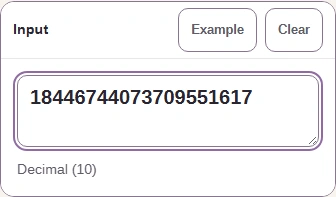
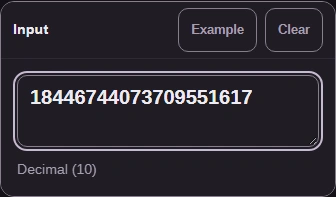
  1. Example has filled Input with the 20-digit decimal number 18446744073709551617.
    Example has filled Input with the 20-digit decimal number 18446744073709551617.
    Step 1. With Decimal (10) → Hex (16) chosen, press Example. It fills in 18446744073709551617, which is 2 to the 64th power plus one.
    1. Press Example.
    2. A 20-digit number appears in Input.
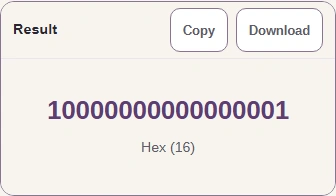
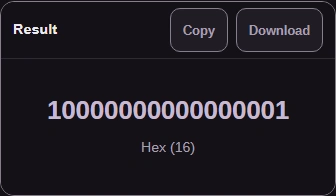
  2. The Result pane shows 10000000000000001, labeled Hex (16).
    The Result pane shows 10000000000000001, labeled Hex (16).
    Step 2. The result is a 1, fifteen 0s and a final 1. That last 1 is the plus one, and it survives because nothing was rounded.
    1. Read 10000000000000001; check the final 1.

There's no fixed length limit. A very long number just takes more of your device's memory and time.

Working with bytes or file sizes instead?

This converter works on the value of one number. Bytes written as hex or Base64 are a different job, because a leading 00 matters there (as a number, 00FF is just 255); FluffyBench's Base encoder keeps every byte. Storage sizes such as GB and GiB belong in FluffyBench's Data size converter.

Need a text or byte encoding?

Need a storage-unit conversion?

Search FluffyBench