Password, passphrase and hex token generator
Make strong passwords, passphrases and hex tokens. Each one comes from your browser’s cryptographic random source.
FluffyShield Protected workspace
Make strong passwords, passphrases and hex tokens. Each one comes from your browser’s cryptographic random source.
Need a password for an account, words you can type by hand, or a hex key for a config file? FluffyBench's password generator makes all three in your browser. Pick the type the destination asks for, and you're one click from a fresh one.
Start with where the secret is going. Most sign-up forms want a password. If you'll have to type it by hand, whole words are easier to get right. And if a config file or developer tool asks for a random key written in hex, that's what Hex token is for.
Here's the choice at a glance, with an example of what each type makes.
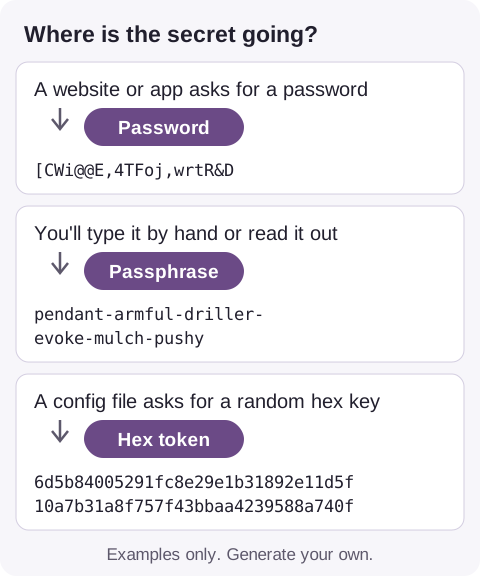
Where the secret is going, and the type to choose
The place you paste it sets its own rules on length and characters, so check those first. Each type starts at a sensible size, and you can change it within these limits.
| Setting | Minimum | Default | Maximum |
|---|---|---|---|
| Password length | 8 characters | 20 characters | 128 characters |
| Passphrase words | 4 words | 6 words | 12 words |
| Hex token bytes | 8 B | 32 B | 256 B |
Picture a bowl of letter tiles, one for every character the password may use. FluffyBench's password generator draws one tile for each spot in the password, using your browser's built-in cryptographic random source.
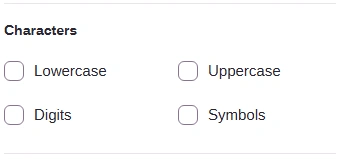
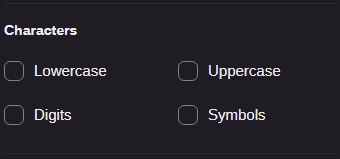
Ticking a group under Characters adds its tiles to the bowl. Every spot draws from the whole bowl, so a group you ticked can still be missing from a result.
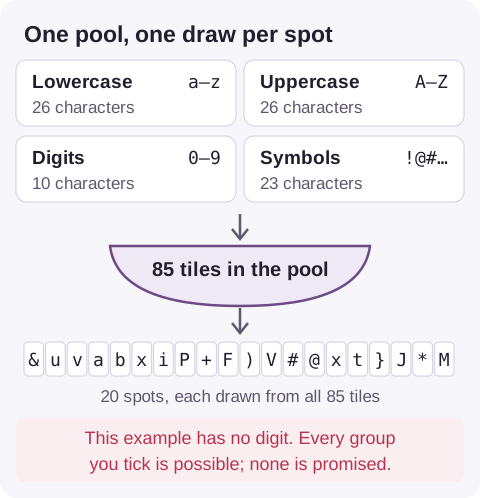
Four character groups, one pool, one draw per spot
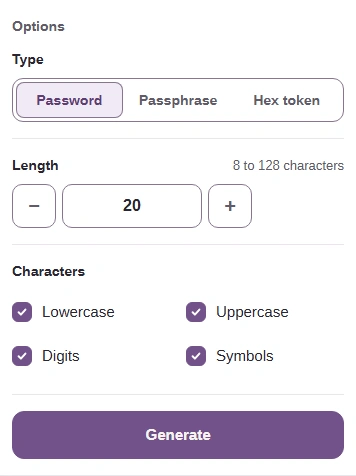
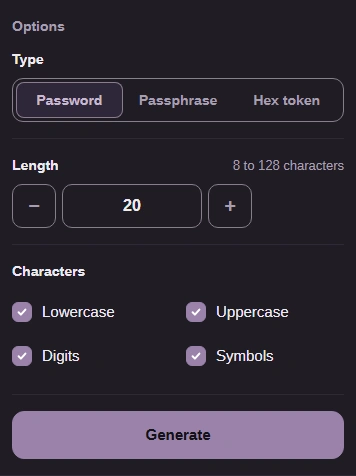
Here's the whole job, from the settings to copying the result.


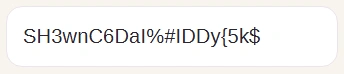
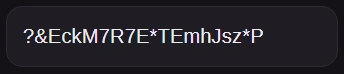


A passphrase is the same kind of draw, but each tile is a whole word. FluffyBench picks every word from the EFF long wordlist of 7,776 words, so the result is something you can read aloud and type.
Between words sets the character that joins them. It changes how the phrase looks, not how many choices went into it.
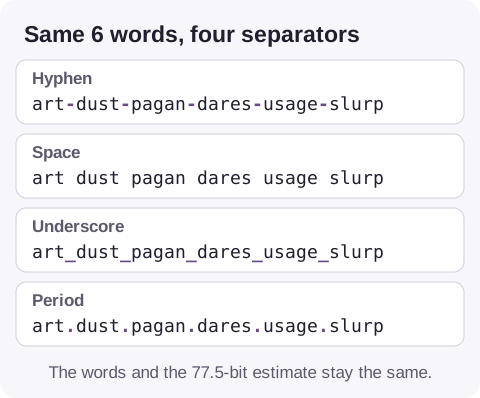
The same words with four separators
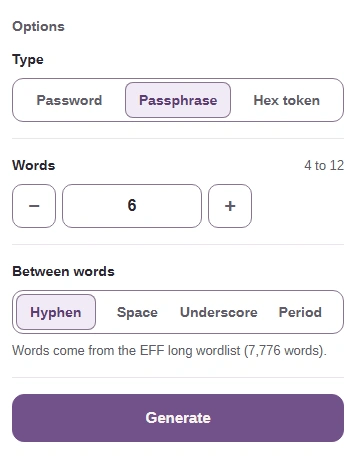
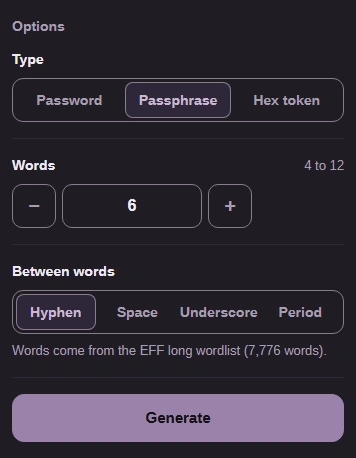
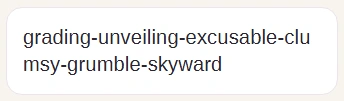
Making one takes three steps.


A hex token is random bytes, the basic units computers store data in, written out as plain text you can paste anywhere. It's meant for development keys and IDs, where the program on the other end expects random bytes written this way.
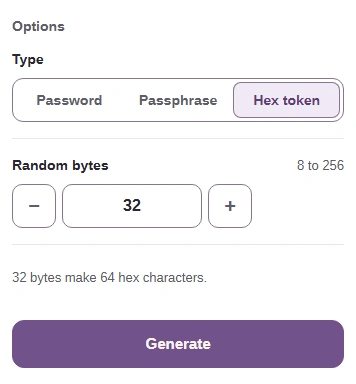
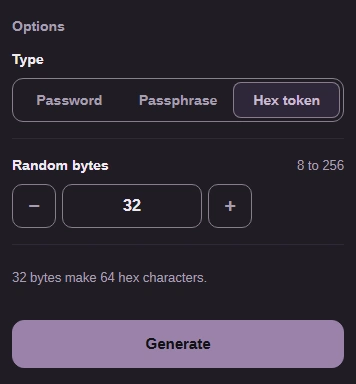
Each byte becomes 2 characters from 0–9 and a–f, so the starting 32 bytes come out as 64 characters.
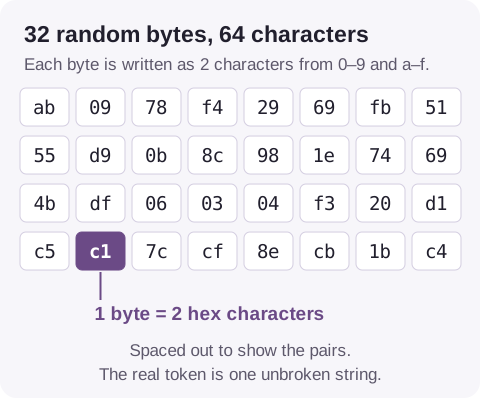
Random bytes written as pairs of hex characters
Here's a hex token from start to finish.


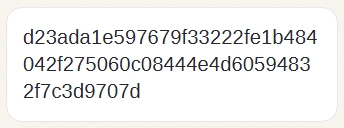
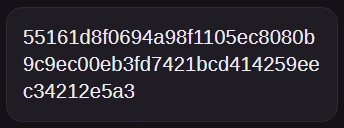
Some programs ask for a UUID instead: a 36-character ID with hyphens in fixed places. That's a different format, and FluffyBench's UUID generator makes it.
The line under every result ends with an estimate in bits, a measure of how many different results the settings could have made. Each extra bit doubles that number.
With the starting settings, a password reports about 128.2 bits and a passphrase about 77.5. Each word you add gives a passphrase almost 13 more.
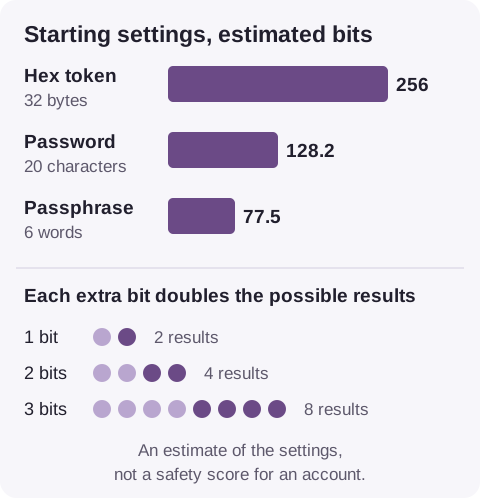
Estimated bits for each type's starting settings
The estimate describes the generator's settings. It can't tell you whether a site accepts the result or whether an account is safe. For how much is enough, and why a password manager helps, read our guide to password and passphrase strength.
When a site rejects a password, its rules are usually about length or symbols, and you've already met both settings: Length and the Symbols box. If a site wants at least one digit or symbol and your result has none, Generate another under the result gives you a fresh draw.
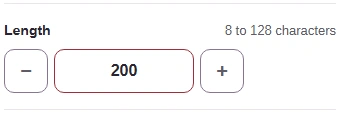
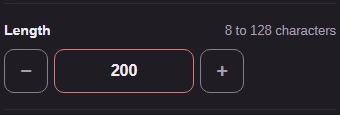
FluffyBench itself refuses only two things: no character groups at all, and a size outside the range. Here's what each message looks like.