
HEX, RGB, and HSL color converter
Enter one color and see the matching HEX, RGB, and HSL values.
FluffyShield Protected workspace
Enter one color and see the matching HEX, RGB, and HSL values.
Paste your color into FluffyBench and copy the HEX, RGB or HSL value your next field needs. Conversion happens in your browser; your color isn't sent to an API.
Think of HEX, RGB and HSL as different address styles for a color. Here's how to turn an HSL red into the format your next field needs in FluffyBench.
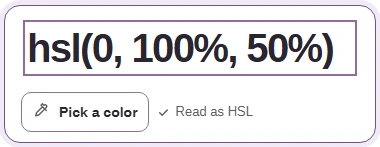
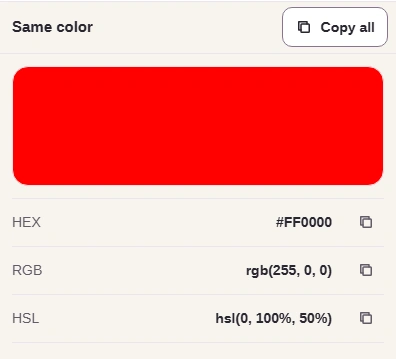
The swatch previews the color on your screen; our color profiles guide explains why it can look different on another display.
FluffyBench rounds the HSL numbers, so that spelling can be an approximation. If your destination accepts HEX or RGB, use one of those to preserve FluffyBench's exact RGB result when you move between fields.
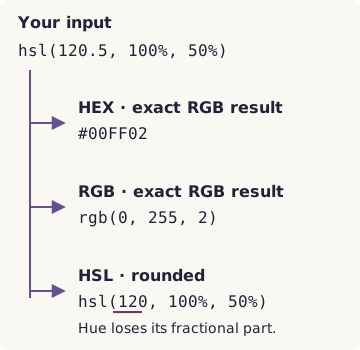
One input, three outputs
FluffyBench accepts these four forms. Match your entry to one of them if you see this message: Enter HEX, rgb(r, g, b), or hsl(h, s%, l%).
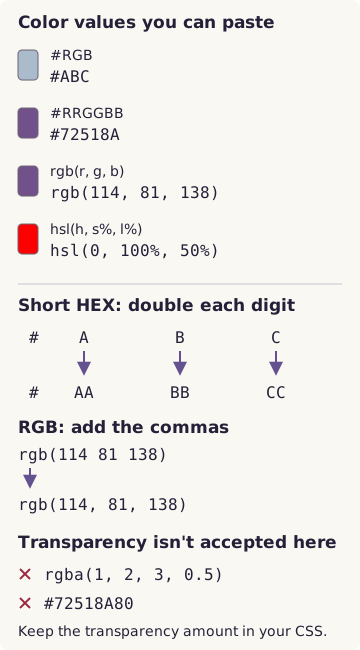
Color input reference
If copying is blocked, FluffyBench shows “Copy was unavailable. Select and copy the results.” You can select the result text directly.
Want to change a color before copying it? Open FluffyBench's picker and select the fields you want to edit.


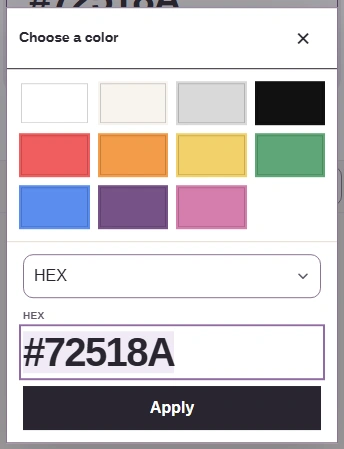
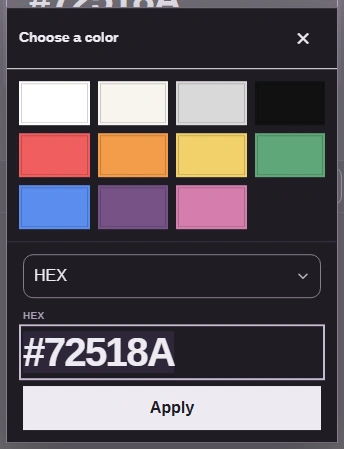




HEX, RGB and HSL give you different ways to edit FluffyBench's starting purple.
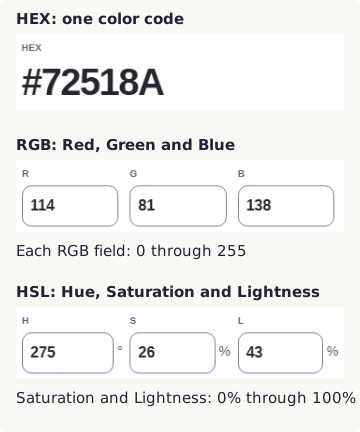
Three alternative color field layouts
Here's what the Saturation and Lightness fields change. Each row varies one field while the other two stay fixed, so you can see which adjustment you want.
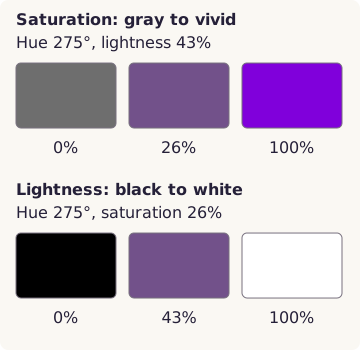
HSL adjustments, rendered for illustration