
File to Base64 and data URLs
Turn a file into Base64 text or a data URL for code and emails, or turn Base64 back into the file.
FluffyShield Protected workspace
Turn a file into Base64 text or a data URL for code and emails, or turn Base64 back into the file.
Need a file as text for a page or app? FluffyBench makes Base64 or a data URL in your browser—and turns either back into a downloadable file.
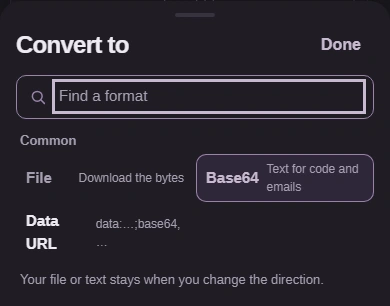
Match the format your destination asks for. Think of Base64 as a parcel’s contents written as text; a data URL adds the shipping label in front.
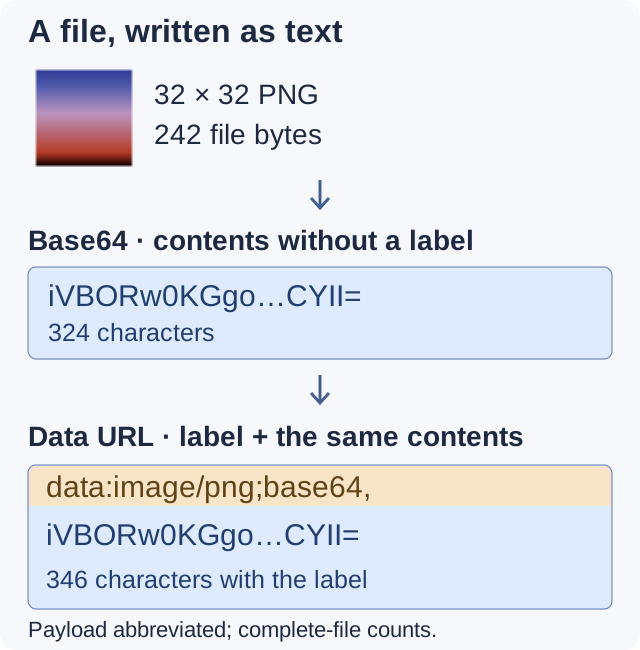
Encoding changes how the bytes are written. It doesn’t compress the image.
Choose Base64 when the receiving field asks for Base64 text by itself.
data: starts the URL; image/png names the claimed type; ;base64 identifies the encoding. The comma starts the payload.
For a small icon embedded in a web page, a data URL can carry the image inside the page’s code. Neither choice changes the image’s file format.
If Base64 itself is new to you, FluffyBench’s Base64 guide explains how bytes become text.
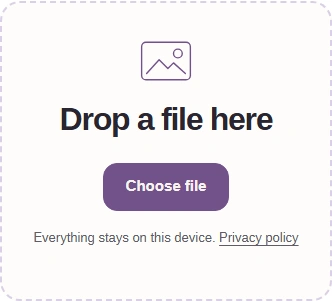
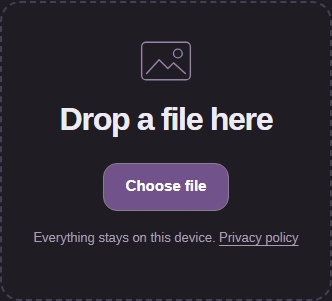
Here’s the file-to-text path in FluffyBench’s File Base64 tool, including both output choices. Choosing a file starts encoding, so there’s no Convert button to press.
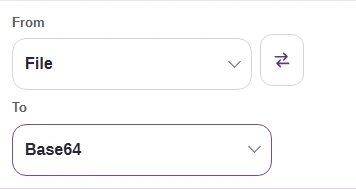
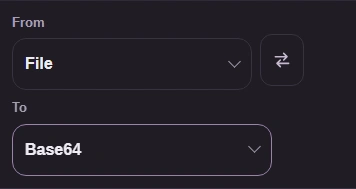
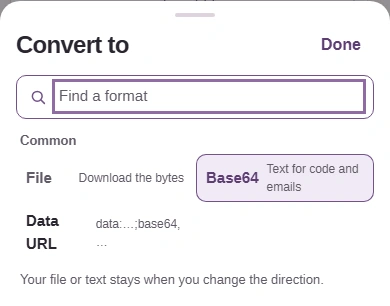
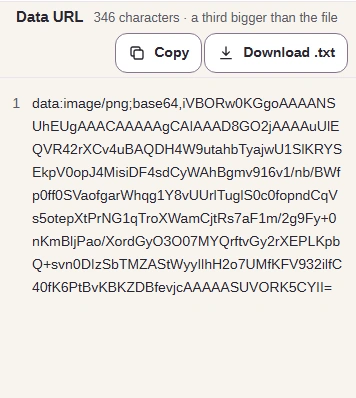
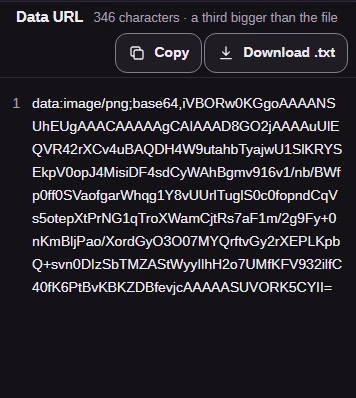
The Base64 part is about a third bigger than the file, and the full data URL is a little larger again because of its data:…;base64, prefix.
Copying the complete string shares the file’s contents. Encoding isn’t encryption, so don’t treat the text as a secret version of your file.
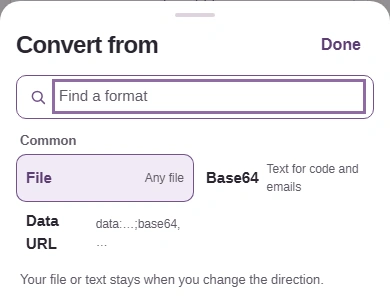
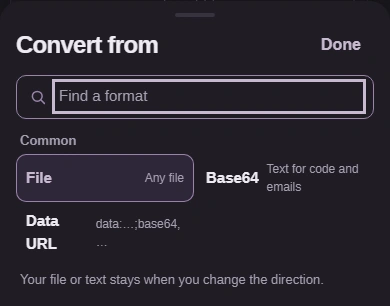
FluffyBench’s File Base64 tool also recovers files from pasted text. From identifies the text you have; To is File for either decoding choice.
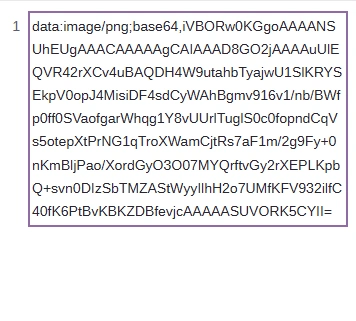
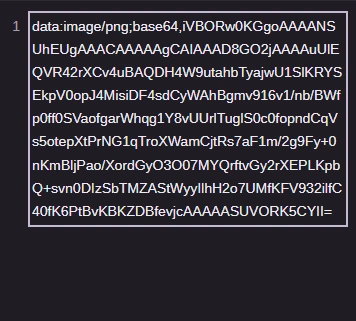
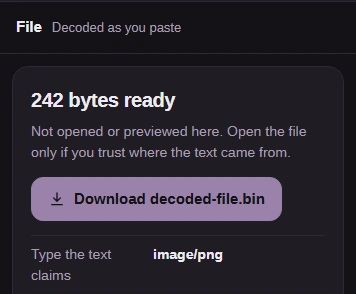
For an image from a trusted source, compare the download with the original in the app where you'll use it.
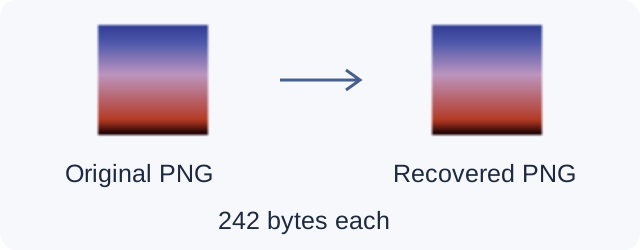
The local image before encoding.
The downloaded bytes reproduce the original image.
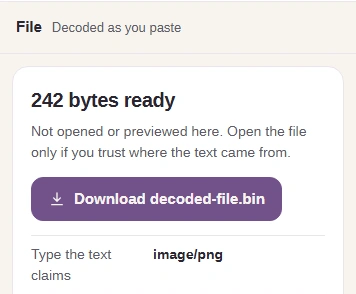
Decoding recovers the file's bytes, without the text label or encoding.
“Type the text claims” is a label supplied by the text, not a check of the bytes inside. FluffyBench doesn’t render, fetch or run the decoded contents. A downloaded file can still contain active content when opened elsewhere; decoding doesn’t make an untrusted file safe.
A missing comma or incomplete Base64 ending can stop decoding. These syntax examples show the correction beside FluffyBench’s actual refusal message.
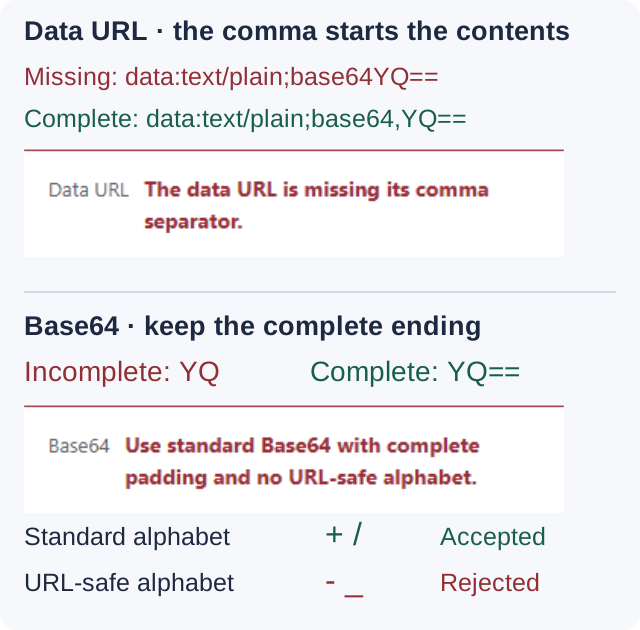
The comma separates the data URL’s label from its contents.
Keep the complete ending, including any = padding. Plain Base64 can contain spaces and line breaks between groups.
FluffyBench accepts standard Base64. URL-safe Base64 uses different characters.
FluffyBench pauses before reading a large selected file when its estimated working memory reaches the warning threshold. The text and browser buffers can need much more space than the file itself.
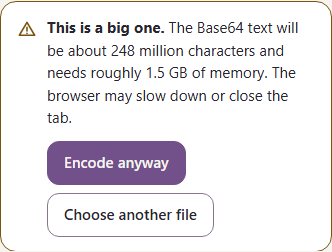
The estimate helps you decide whether to continue; it isn’t measured memory use or a file-size cap.
Continue reading and encoding the selected file.
Open the file picker to select a smaller file instead.
Escaping text or inspecting a web address differs from carrying a file’s bytes inside text.