HTML entity, JSON string, C escape, quoted-printable and MIME encoded-word escaper
Encode or decode HTML entities, JSON strings, C-style escapes, quoted-printable bodies and RFC 2047 MIME encoded words as inert text.
FluffyShieldProtected workspace
From
To
Which format does your text need?
A quotation mark or a less-than sign in your text can look like an instruction to the app that reads it next. FluffyBench's Text escaper rewrites those characters in the spelling your destination expects, and turns escaped text back into plain words.
FluffyBench · 7 min read · Measured with this tool
The job at a glance
Choose From and To for where the text is going
→Paste your text
→Check the result
→Copy it or download it
Limits The result is text to paste somewhere else. FluffyBench's Text escaper doesn't build a web page or send an email.
Why does text need escaping?
Every format has a few characters that mean something special. In a web page, a less-than sign starts a tag; in a JSON value, a quotation mark ends the text. Escaping writes those characters another way, so the next app reads them as plain text instead of as an instruction. It's a bit like putting a word in quotation marks when you're talking about the word itself: the reader sees "stop" without stopping.
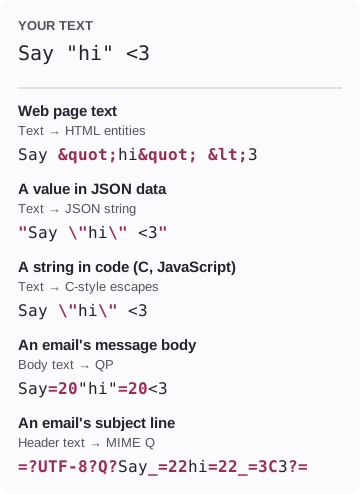
So the right spelling depends on where your text is going. Here's one short message written for five destinations, with the From and To choices that make each one.
One message, five destinations
The highlighted parts are the escapes. Everything else stays as you typed it. How we measured
Is your text going into a web address instead? Addresses use their own rules, called percent-encoding, and FluffyBench's URL encoder handles those.
Doing it in FluffyBench's Text escaper
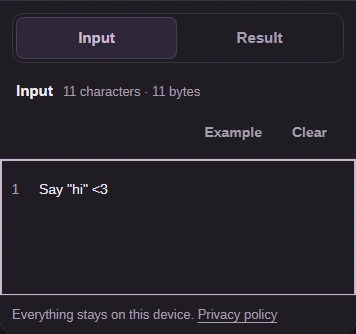
Here's how to turn Say "hi" <3 into a JSON string, step by step on a phone. Every other destination works the same way; only the From and To choices change.
12
12
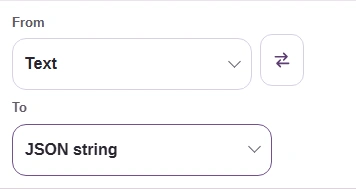
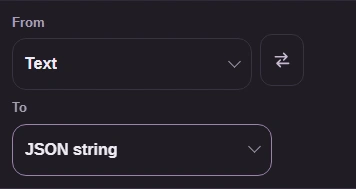
Step 1. Choose From: Text and To: JSON string.
1
From is what you have: Text.
2
To is where it's going: JSON string.
12
12
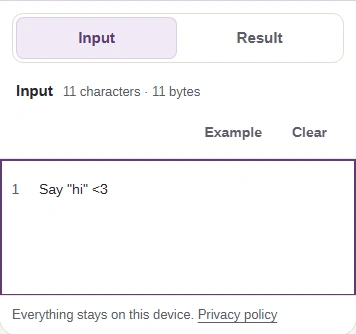
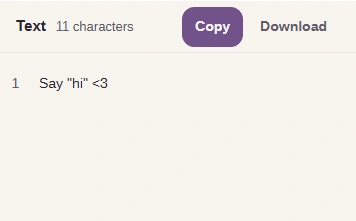
Step 2. Paste your text. Short text updates on its own, with no button to press.
1
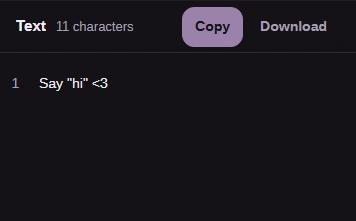
Paste Say "hi" <3 here.
2
On a phone, open Result.
12
12
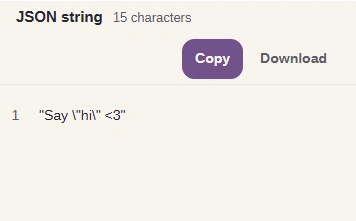
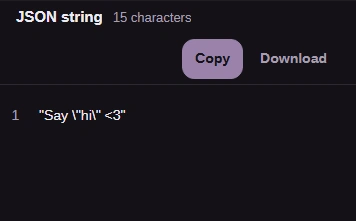
Step 3. Check the escaped text before you use it.
1
The label says JSON string.
2
Outer quotes added; the inner quotes get a backslash.
12
12
Step 4. Take the result to another app with Copy, or save it with Download.
1
Copy puts the result on your clipboard.
2
Download saves it as a text file.
Text for a web page or for code
For text on a web page, choose To: HTML entities. Each character that HTML would read as markup becomes a short code called a character reference, and the browser turns it back into the character on screen.
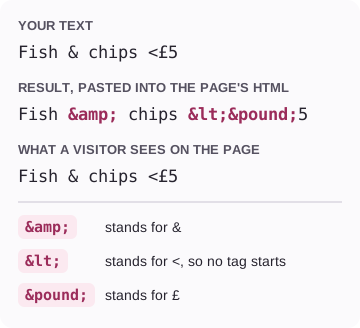
Here's a menu line with an ampersand, a less-than sign and a pound sign, on its way into a web page.
Text, its HTML entities, and what a visitor sees
The codes live in the page's HTML. Visitors only ever see the original characters.
These references are made for text between HTML tags. An attribute, a script or a link inside the page follows its own rules, so this mode isn't a safety filter for text you got from someone else.
Code works differently. A JSON string and C-style escapes both put a backslash in front of each special character, but only JSON wraps the whole value in quotes.
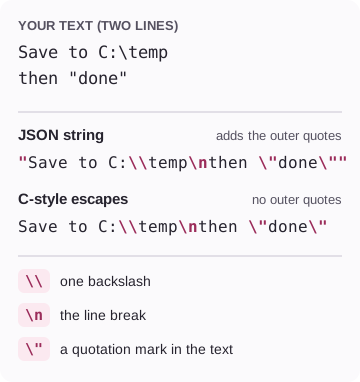
Here's a two-line note with a Windows folder and a quotation in it, spelled both ways. Notice the \\: a backslash in your text needs a backslash of its own.
One note as a JSON string and as C-style escapes
Choose JSON string when the destination wants a complete JSON value, and C-style escapes when you're pasting between quotes that are already in your code.
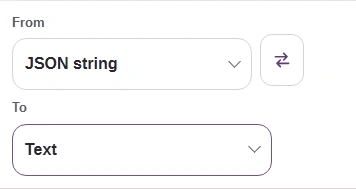
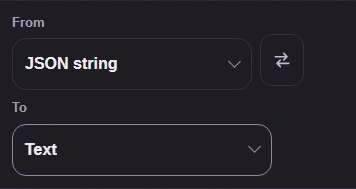
Got a JSON string and want the plain words back? Reverse the choices: From: JSON string and To: Text.
12
12
Step 1. Choose From: JSON string and To: Text.
1
From: JSON string, the escaped value you have.
2
To: Text, the plain words you want.
12
12
Step 2. Paste the whole string, quotes included, and the plain words come back.
1
The label says Text.
2
The words are back: Say "hi" <3.
The JSON choices here handle one string value at a time. A whole JSON document, with its objects and lists, needs a different tool.
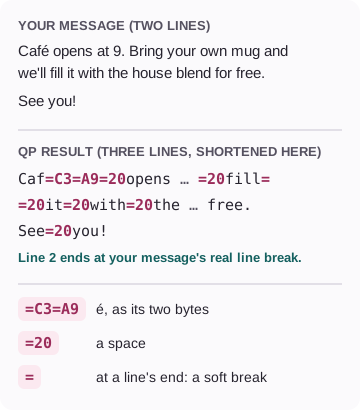
Email has its own rules, and the message body and the subject line follow different ones. For the body, choose From: Body text and To: QP, short for quoted-printable. Plain letters stay readable, and everything else becomes an equals sign followed by a two-character code for one byte.
Here's a two-line note with an accent and one very long first line.
A note as quoted-printable
A soft break keeps every line at 76 characters or fewer. Only the real line break survives decoding.
Here's a shorter note encoded in FluffyBench's Text escaper.
12
12
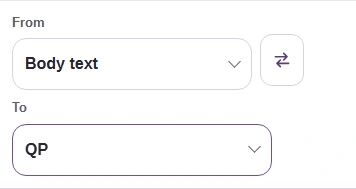
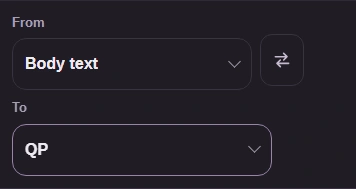
Step 1. Choose From: Body text and To: QP.
1
From: Body text, the words of your message.
2
To: QP, short for quoted-printable.
12
12
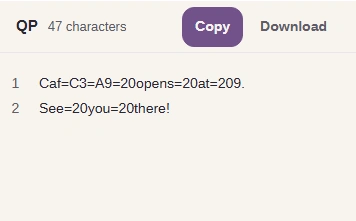
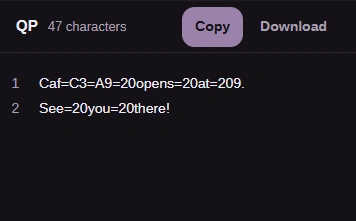
Step 2. Each é and space becomes an = code; the line break stays a line break.
1
The label says QP.
2
Check é is =C3=A9 and spaces are =20.
To read an encoded body, or to check one before you send it, reverse the choices.
12
12
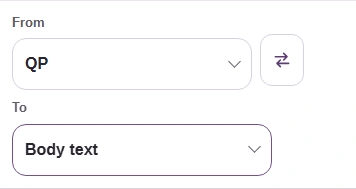
Step 1. To read it back, choose From: QP and To: Body text.
1
From: QP, the encoded body you have.
2
To: Body text, the readable message.
12
12
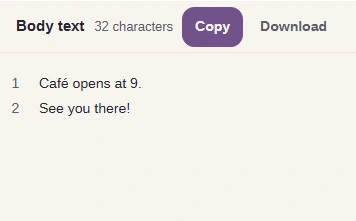
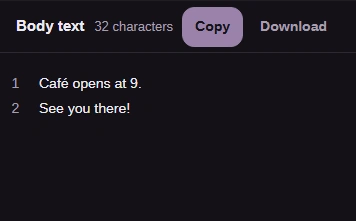
Step 2. The same words return. Line breaks come back as CRLF, the two-character line ending email uses.
1
The label says Body text.
2
Same words, same two lines.
Attaching a file instead of typing a message? A file travels as Base64, which is a different job from escaping text.
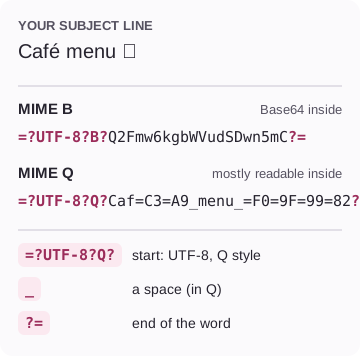
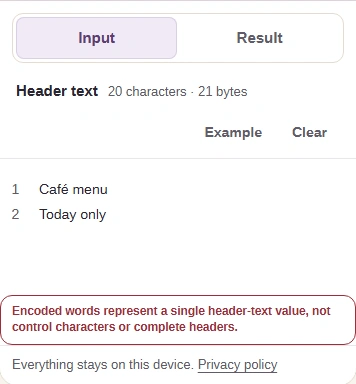
A subject line is a single line at the top of the email, and it uses a different trick called a MIME encoded word. Choose From: Header text, then To: MIME B or MIME Q. Paste only the subject itself, not the word Subject: in front of it.
Here's one subject line with an accent and an emoji, in both styles.
A subject line as MIME B and MIME Q
Either style works in a subject line. Q keeps plain letters readable; B comes out shorter here because the accent and emoji take several bytes each.
A subject line can't hold a line break, so a two-line value gets a message instead of a result.
Header text with a line break, To: MIME B
Text with line breaks belongs in the message body, with QP.
Reading a subject that arrived as =?UTF-8?…? Choose From: Encoded words and To: Header text.
12
12
Step 1. Choose From: Encoded words and To: Header text.
1
From: Encoded words, the =?UTF-8? value you have.
2
To: Header text, the readable subject.
12
12
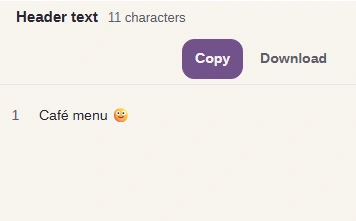
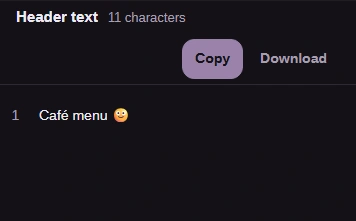
Step 2. The subject reads normally again, accent and emoji included.
1
The label says Header text.
2
The subject is back: Café menu 🙂.
Why won't my text decode?
Decoding is strict: when the input isn't quite what From promises, FluffyBench's Text escaper tells you what's wrong instead of guessing.
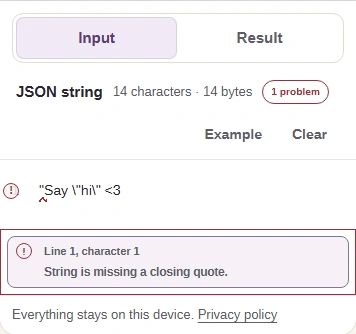
The most common snag is a JSON string that lost a quotation mark in copying. FluffyBench's Text escaper points to where the string falls apart.
JSON string missing its closing quote
Copy the whole value, from its first quotation mark to its last, and the words come back.
A few other messages you might see. C-style escapes reads the common backslash codes, such as \n, \t, \" and \\; hex, octal and Unicode codes like \x41 stop with a message, because they're outside that set. QP input has to be plain ASCII, with every other character already written as an equals code. Encoded words must be UTF-8 and need a space between them and any ordinary text.