
What does Base64 do, and when should you use it?
Why does a file sometimes turn into a long wall of letters and numbers? That's Base64, a way to spell any data as plain text so it can travel where only text is allowed. It isn't a lock, though: anyone can turn it back.
Why turn a file into text?
Some places only take text: the body of an email, a field in a settings file, a line of a web page's code. A photo or a PDF is made of bytes, and plenty of those bytes aren't letters or digits at all, so they can't ride along as they are. Base64 rewrites the bytes with 64 ordinary characters: capital letters, small letters, digits, plus and slash. That's where the name comes from.
It's like reading a phone number aloud instead of handing over the paper it's written on: the words go where the paper can't, and the listener writes down exactly the same number.
That's how a file rides along inside an email, or how a small picture sits inside a web page's code as a data URL. Here's the round trip.

A file carried as Base64 text
So use Base64 when the place you're sending data to asks for it. The receiver has to know the text is Base64, or it'll treat the letters as ordinary words.
What changes when data becomes Base64?
Only the spelling. Base64 reads your bytes 3 at a time and writes each group as 4 characters. The official Base64 standard, RFC 4648, uses the word Man as its example.
Man is 3 bytes, and Base64 writes it as the 4 characters TWFu. Decoding turns those characters straight back into the same bytes.
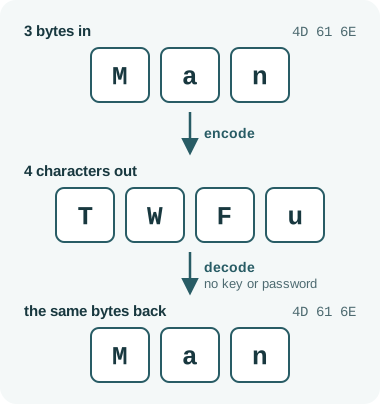
Man becomes TWFu and back
Two things follow. The text is about a third longer than the data it carries, which matters when a field has a length limit; the output-size guide compares Base64 with other spellings.
And it isn't a secret. Anyone who sees Base64 can decode it, with no key or password to find, so a password written in Base64 is still readable by anyone. Encryption is what keeps data private; Base64 can carry encrypted bytes, but it doesn't encrypt them.
Want to see your own words in Base64?
Type any word and it shows the Base64 right away, so you can watch every 3 bytes become 4 characters.
What does the equals sign at the end mean?
Base64 always writes whole groups of 4 characters. When your data runs out partway through a group, equals signs fill the empty spots. They aren't data; they tell the decoder where the bytes stop.
The standard's own examples show the pattern: one leftover byte gets two equals signs, two leftover bytes get one, and a full group of three gets none.
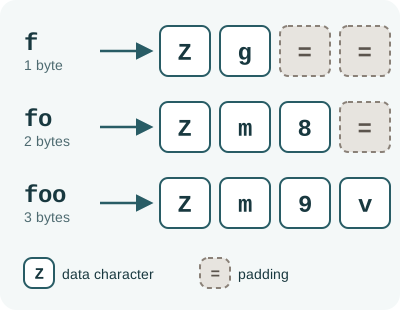
Equals signs pad a short final group
The standard uses padding, but some formats that ask for Base64 say to leave it off. If a value arrives without equals signs, follow that format's rules instead of adding or deleting them yourself.
What happens when you encode typed text?
Typed text has to become bytes first. An encoding called UTF-8 turns each character into one or more bytes, and Base64 spells those bytes.
Here's the standard's five-letter example, fooba, at each stage.
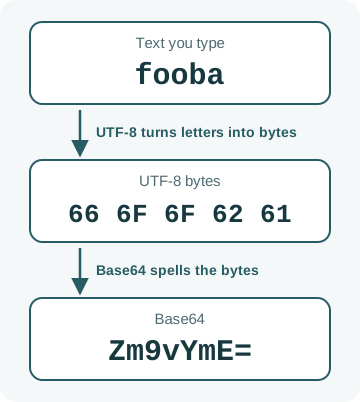
Text, then UTF-8 bytes, then Base64
A different text encoding would make different bytes, and so different Base64, from the same words. If your Base64 has to match someone else's exactly, learn how text encodings differ.
What changes for web addresses and file names?
Plus and slash already mean something in web addresses and file paths. So a variant called Base64url swaps them for a hyphen and an underscore, and leaves everything else alone.
Only the last two of the 64 symbols change.
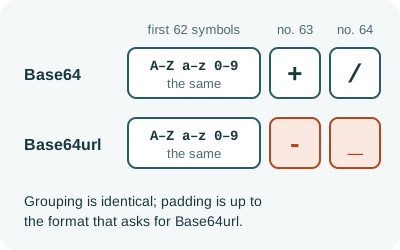
Base64url swaps two symbols
FluffyBench's Base encoder and its File to Base64 tool both write standard Base64, with plus, slash and padding.
Doing it in FluffyBench
FluffyBench has two Base64 tools, one for typed words and one for files. For typed text, use the Base encoder. Here's fooba going in and Zm9vYmE= coming out.
-
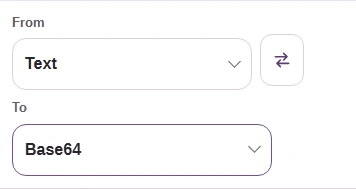
Step 1. Set From to Text and To to Base64. - From: Text, because you're typing words.
- To: Base64, the spelling you need.
-
-
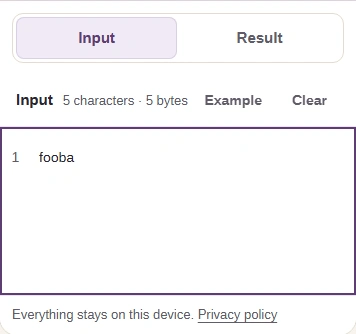
Step 2. Type or paste your text. A short input updates by itself, with no button to press. - Type fooba here.
- On a phone, open Result to see it.
-
-
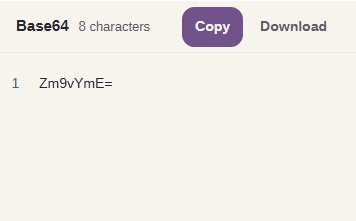
Step 3. Check the result, then Copy it or Download it as a text file. - fooba in Base64: Zm9vYmE=
- Copy puts it on your clipboard.
- Download saves the Base64 as a text file.
-
To read Base64 back as words, swap the From and To choices. If the decoded bytes aren't valid UTF-8 text, converting to Text shows an error instead of garbled characters. Changing Base64 into another spelling, such as Base16, works for any bytes.
For a file, use FluffyBench's File to Base64 and data URLs. Here it turns a small PNG into Base64 text.
-
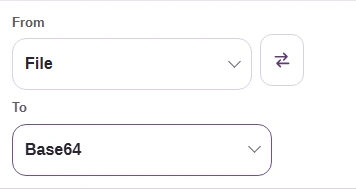
Step 1. Keep From set to File, then open To. - From: File, because you're starting with a file.
- Open To to pick the text you need.
-
-
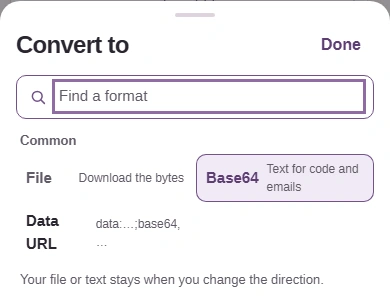
Step 2. Choose Base64 for the file's bytes as plain text. Choosing closes the list. - Base64: the bytes as text, nothing added.
- Data URL: adds a type label for web pages.
-
-
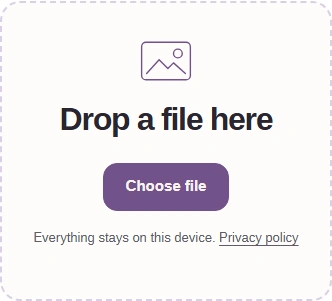
Step 3. Choose your file. Encoding starts as soon as it's picked. - Choose file opens your device's file picker.
-
-
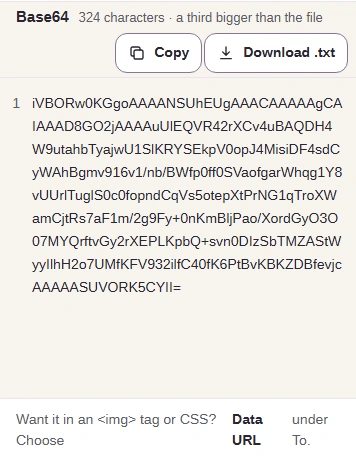
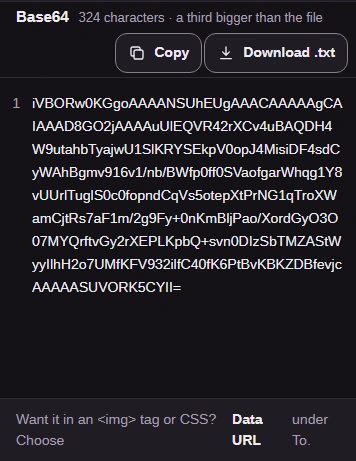
Step 4. Check the length against the destination's limit, then Copy the text or Download .txt. - The character count of the Base64 text.
- Copy puts all of it on your clipboard.
- Download .txt saves the same text.
-
To rebuild a file from Base64, use File to Base64 and data URLs the other way round. The Base encoder can't do this job, because its Download saves text.
-
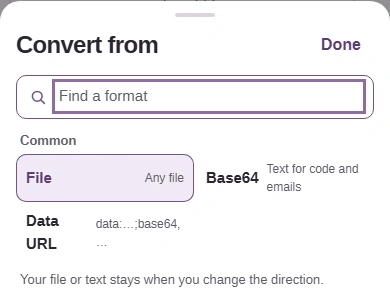
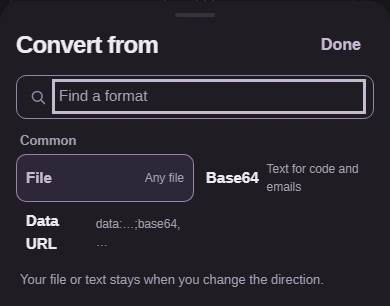
Step 1. Open From and choose Base64. To switches to File. - From: Base64, for plain Base64 text.
-
-
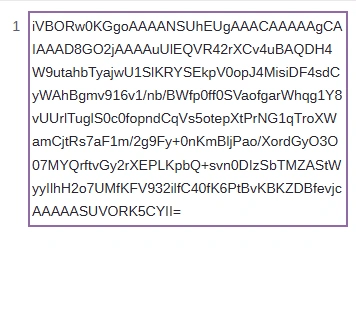
Step 2. Paste the Base64. It is decoded as you paste. - Paste the whole Base64 value here.
-
-
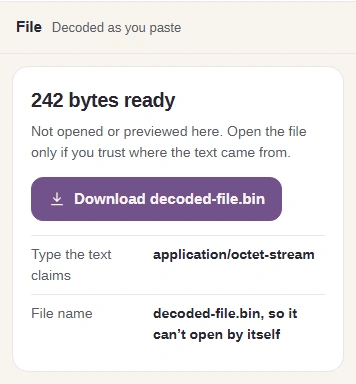
Step 3. Check the byte count, then download. The file is always named decoded-file.bin, so rename it with the right ending, such as .png. - How many bytes came back.
- Download saves the recovered bytes as a file.
-
For the curious: how Base64 regroups the bits
Every byte holds 8 bits, the 0s and 1s a computer stores. Base64 regroups them 6 at a time, because 6 bits make exactly 64 possible values, one for each symbol in its alphabet.
Here's fooba again, with each byte's bits in its own color so you can follow them into the six-bit groups that spell Zm9vYmE=.
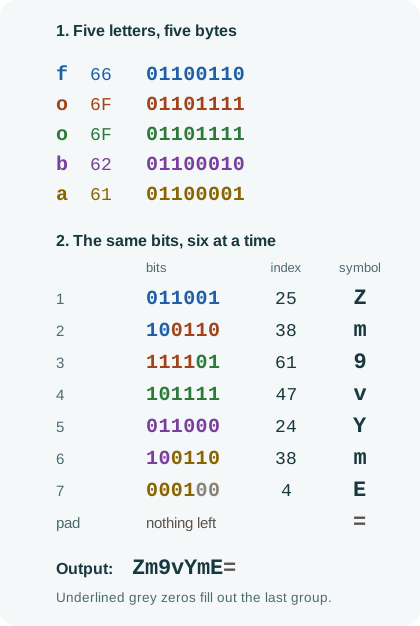
How bytes become Base64 symbols
- Start with UTF-8 bytes
Each letter of fooba is one byte, shown in hex and as its eight bits.
- One piece picks m
Group 2 reads 100110, which is 38: the 39th symbol, m. Group 6 has the same bits, so it's m too.
- The last mark is padding
No bits are left for the final spot, so an equals sign fills it. It isn't one of the original bytes.