
Why can cleaned pasted text still contain invisible characters?
Text cleanup changes specific kinds of spacing, so hidden characters can remain. Here's what Trim and Collapse actually change, and how you can see what's left.
Why does trimming leave hidden characters in pasted text?
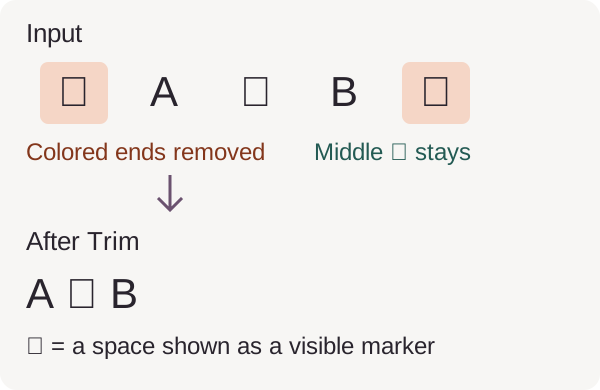
Trim works like snipping the blank ends off a ribbon: it doesn't reach into the middle. It removes JavaScript-recognized whitespace at the beginning and end, including ordinary spaces, tabs and nonbreaking spaces. Both position and character type matter: a zero-width space isn't recognized as whitespace by Trim, so it can remain even at an end. Repeating Trim won't change that result.
Here, trimming removes the outer spaces while leaving the space between A and B.
Why does collapsing spaces leave some gaps unchanged?
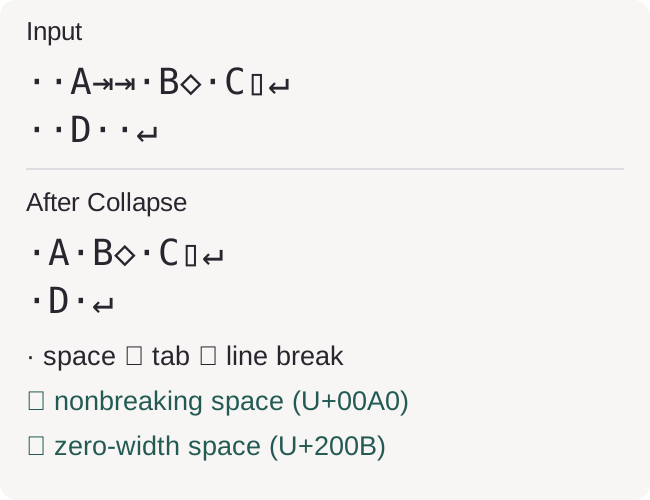
Collapse tackles repeated keyboard spacing inside a line. Think of a sorter that recognizes ordinary spaces and tabs: each run becomes one ordinary space. Other blank-looking characters pass through unchanged. Line breaks stay, and a run at the start or end becomes one space instead of disappearing.
In this recorded paste, Collapse shortens the runs of spaces and tabs; the nonbreaking space and zero-width space remain.
Doing it in FluffyBench: choose a cleanup and check your text
FluffyBench's Text cleaner keeps your paste and result in separate editors. Choose the spacing change you need from To; the screenshots follow Collapsed spaces using the same paste as the comparison above. The selector's other outputs do different jobs, so don't choose a label-making option to fix a gap in a sentence.
Here's the cleanup from choosing an output to copying it. The screenshots show the phone tabs; on a wider screen, Input and the result sit side by side.
-
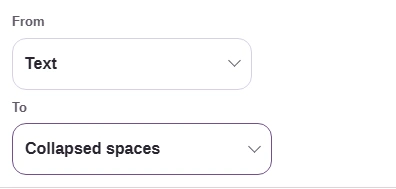
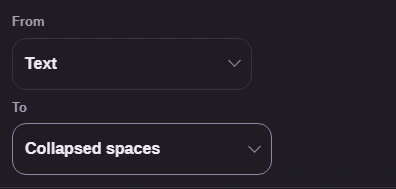
Step 1. Choose the spacing change: Trimmed text for the ends, or Collapsed spaces for repeated keyboard spacing. - Leave From on Text.
- Choose Collapsed spaces under To.
-
-
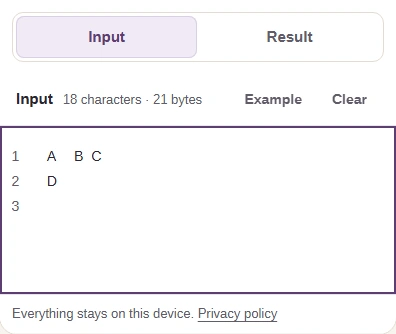
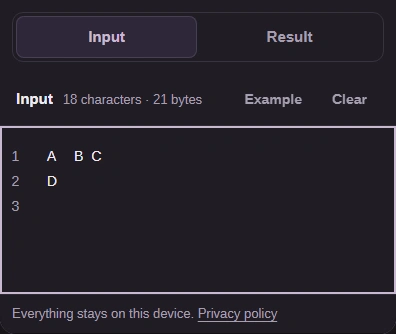
Step 2. Paste into Input. Short text updates live; on a phone, tap Result to see the output. - Paste the text you want to clean.
- Tap Result to view the cleaned text.
-
-
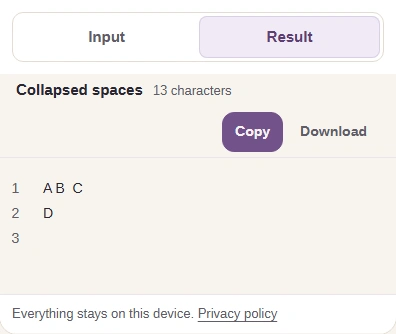
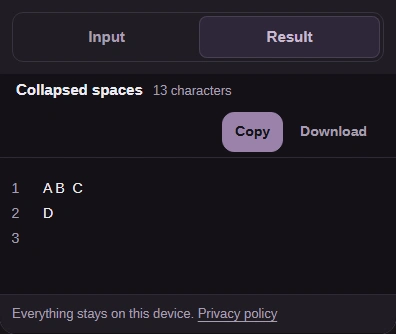
Step 3. Keep your original in Input for comparison. Check the result, then Copy the cleaned text. - Return to Input to compare your original.
- Check the spacing and line breaks.
- Copy puts the result on your clipboard.
-
Need to clean the spaces in pasted text?
Still seeing a mystery gap? Inspect the characters
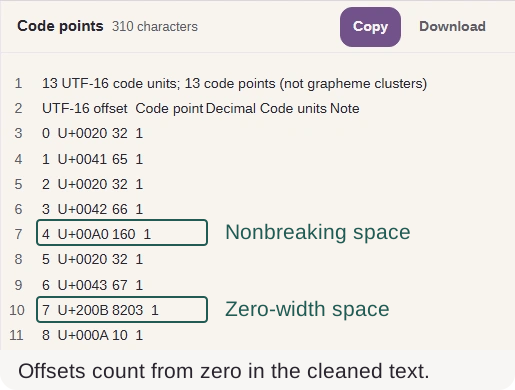
A gap's appearance doesn't tell you what made it. FluffyBench's Unicode inspector gives each stored character a row and a code point: an ID such as U+00A0. That lets you tell a nonbreaking space from a keyboard space without guessing from the width of the gap. The UTF-16 offset column locates it in the stored text, counting from zero.
Here's the Collapse result in FluffyBench's Unicode inspector, with the surviving characters listed by ID and position.
-
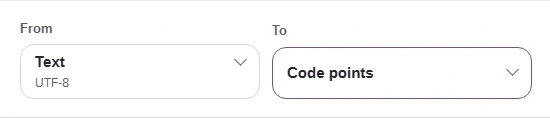
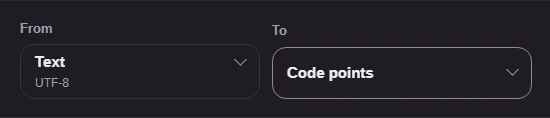
Step 1. In FluffyBench’s Unicode inspector, choose Text → Code points to identify what survived cleanup. - Choose Text as your input type.
- Choose Code points to list stored values.
-
-
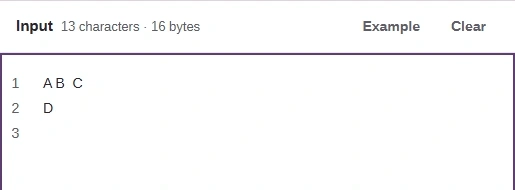
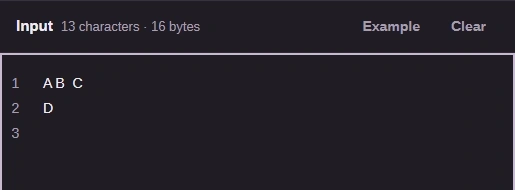
Step 2. Paste the cleaner’s result into Input; the code-point report appears alongside it. - Paste the cleaned text here.
-
The Code point column identifies the surviving nonbreaking space (U+00A0) and zero-width space (U+200B); UTF-16 offset locates them.
Finding a character gives you a decision to make, not an automatic deletion rule. A nonbreaking space may be keeping a name together; a zero-width character may be part of text you need to preserve. Change the character once you know what it's doing in the destination where you'll use the text.
Making a web address label? Expect characters to change
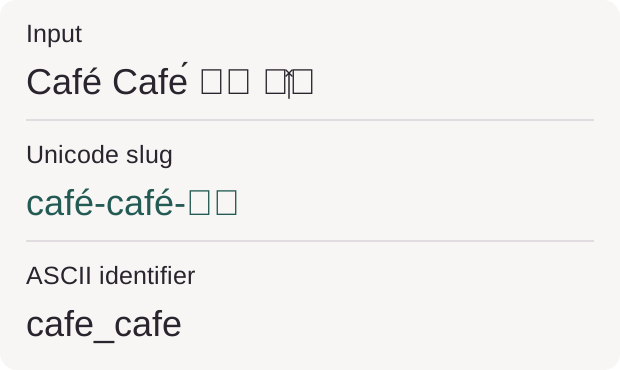
The label options make a name tag from a phrase. They're useful when you want a short web address label or an identifier for code; they're a different job from spacing cleanup. A Unicode slug can keep letters from other writing systems. An ASCII identifier uses basic Latin letters, digits and underscores, removing accents and leaving out Japanese text.
This recorded phrase keeps its Japanese text in the Unicode slug and loses it in the ASCII identifier; the emoji is absent from both.
How we reviewed pasted-text cleanup
We used generated examples for edge whitespace, mixed spacing and Unicode text. The edge sample includes invisible characters between letters as well as whitespace at its ends. The mixed sample supplies the Collapse comparison and walkthroughs. The Unicode phrase contains two stored spellings of Café, Japanese letters and a joined emoji.
These are the recorded UTF-8 byte lengths for the input and each returned string.
| Returned string | Edge sample | Mixed sample | Unicode sample | What the row means |
|---|---|---|---|---|
| Input bytes | 54 B54 bytes | 21 B21 bytes | 31 B31 bytes | Starting string length. |
| Trim result | 45 B45 bytes | 16 B16 bytes | 31 B31 bytes | Recognized whitespace removed from the two ends. |
| Collapse result | 52 B52 bytes | 16 B16 bytes | 31 B31 bytes | Runs of ordinary spaces and tabs become one space. |
| Unicode slug | 24 B24 bytes | 7 B7 bytes | 18 B18 bytes | Returned Unicode label length. |
| ASCII identifier | 24 B24 bytes | 7 B7 bytes | 9 B9 bytes | Returned ASCII label length. |