
Unicode inspector
Inspect Unicode code points and UTF-16 offsets, or compare NFC, NFD, NFKC and NFKD normalization forms with the original.
FluffyShield Protected workspace
Inspect Unicode code points and UTF-16 offsets, or compare NFC, NFD, NFKC and NFKD normalization forms with the original.
Limits Over 100,000 characters, the result waits for you: press the button that appears, such as Inspect or Normalize NFC.
Two copies of a word can look the same on screen and still be stored differently, so a search or an exact match fails. FluffyBench's Unicode inspector shows the stored values behind each letter, so you can see where the copies differ, and it can rewrite text into one consistent spelling.
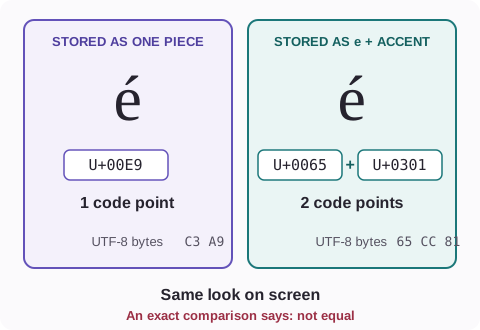
Say you search a document for café and get nothing, even though café is right there on the screen. What you see is the finished letter; what the computer compares is the list of parts it was built from. An accented letter can be stored as one ready-made piece, or as a plain e followed by an accent that attaches to it.
Here are both ways of storing é, side by side, with the values behind each one.
Paste the smallest piece of text that shows the problem, such as the one word that won't match. On a phone, Input and Result sit on two tabs; on a wider screen they sit side by side.
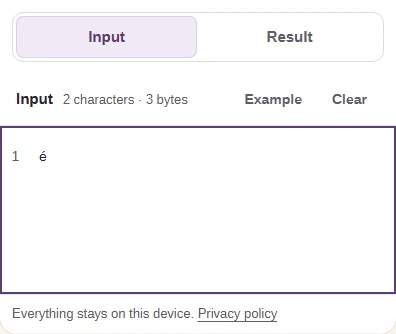
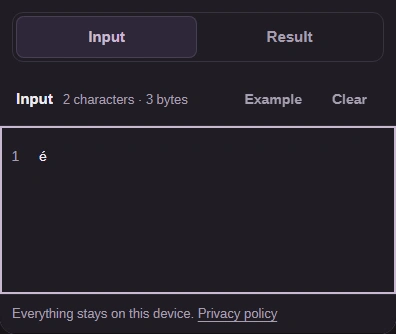
Here's how to look inside one copy of the text, using the é that's typed as e plus an accent.
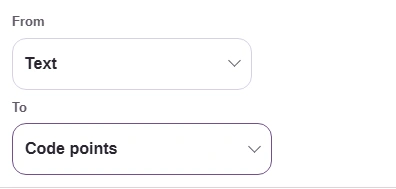
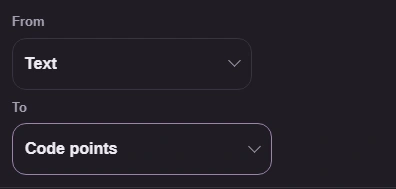
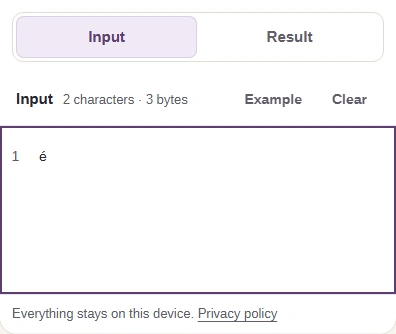
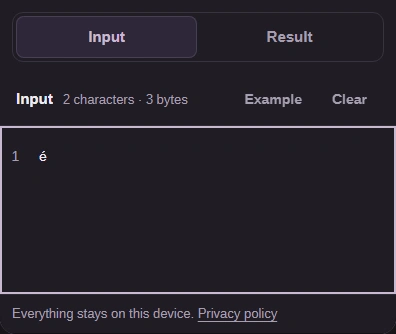
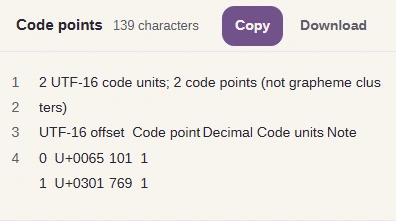
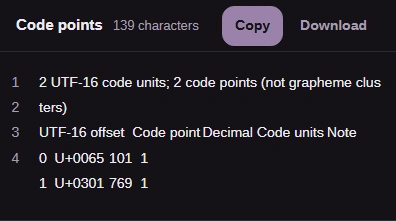
Now clear the box and paste the other copy, the one-piece é. FluffyBench inspects one text at a time, so you compare the two lists yourself.
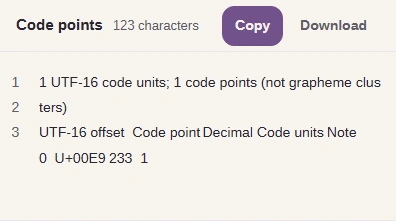
The one-piece é under Code points
The first line gives two totals. Each row after it is one stored value, called a code point. Code point is its Unicode number, such as U+0065 for e, and Decimal is the same number written in ordinary digits. UTF-16 offset is where that value starts in your text, counted from 0. Code units says how much room the value takes: 1 for most letters, 2 for many emoji. Note stays empty unless your text holds half of a two-unit value on its own, such as half an emoji; then it reads Lone surrogate.
Emoji show why the offset can skip. Here's a smiley face followed by x: the x is the second thing you see, but its row starts at offset 2.
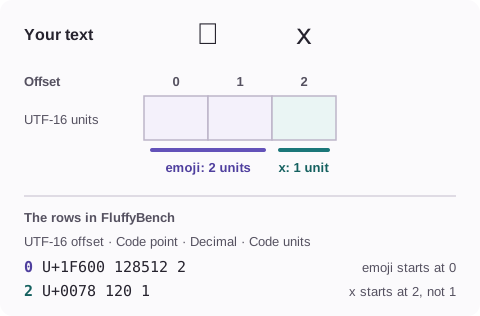
Rows aren't letters. The rows count stored values, not the letters a reader sees, so the é typed as e plus an accent is one letter on screen and two rows here. They don't show how a font draws the text, either.
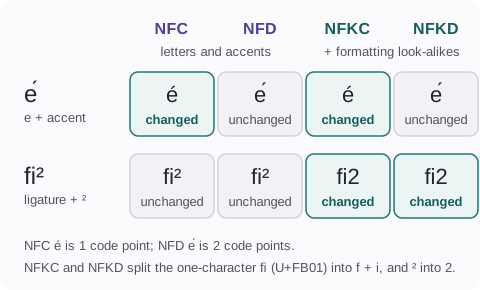
Once you've found the difference, you can make both copies use the same spelling. That's called normalization: like agreeing that everyone writes dates the same way before you compare them. NFC joins a letter and its accent into one piece; NFD splits them apart. Pick the form the system you're matching expects.
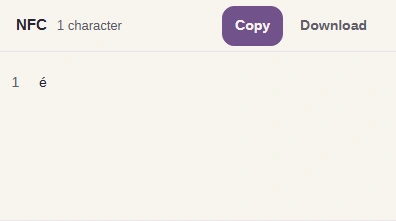
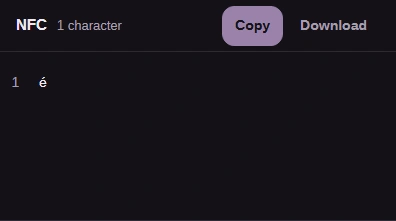
Here's the e-plus-accent é rewritten as NFC, the one-piece spelling, and taken away as text.
There are four forms to choose from. NFC and NFD only join or split letters and accents. NFKC and NFKD also swap formatting look-alikes, such as the one-character ligature fi and a superscript ², for plain ones.
Copy and Download are greyed out. That happens when your text holds a lone surrogate, half of a two-unit value such as an emoji. The rows keep it visible, but plain text can't carry it, so FluffyBench points you to the Base encoder's UTF-16 byte views to copy it exactly.
The Unicode inspector shows code points, not bytes. For bytes, a domain name or a search pattern, these FluffyBench tools fit the job better.