
Certificate and public key inspector
Read what’s inside a certificate, certificate chain, signing request or public key, and convert keys between PEM, DER and JWK.
FluffyShield Protected workspace
Read what’s inside a certificate, certificate chain, signing request or public key, and convert keys between PEM, DER and JWK.
FluffyBench’s Certificate and public key inspector makes a certificate’s names and dates readable. You can also change a public key’s format for the tool that needs it.
Names and dates, without decoding the file by eye.
Issuer and subject names, linked across your bundle.
PEM, DER and JWK for the next tool.
Limits Up to 16 MiB per input.
Start with what you’ve been given: a certificate, a signing request, a public key or a bundle. Each tab expects a different kind of public input.
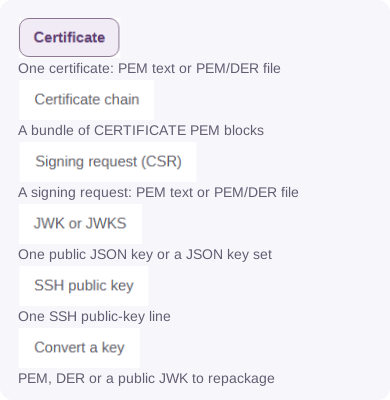
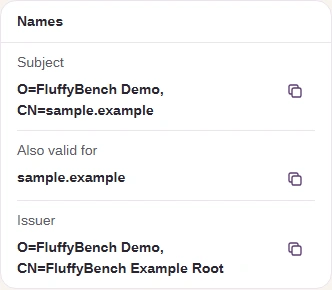
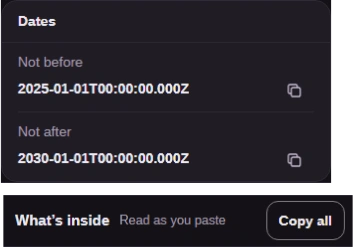
Think of a certificate as a label attached to a public key: it names a subject, an issuer and the dates it covers. Here’s how to read that label in FluffyBench, using its public sample.
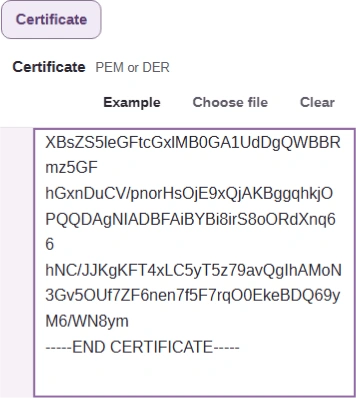
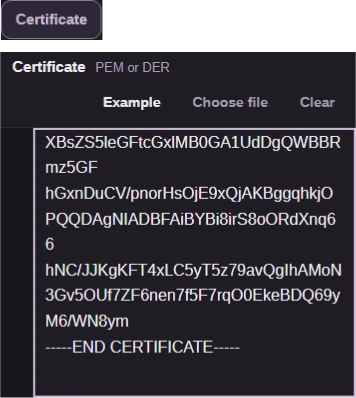
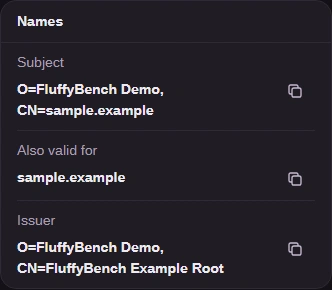
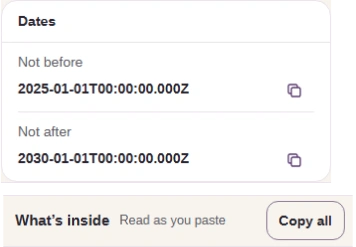
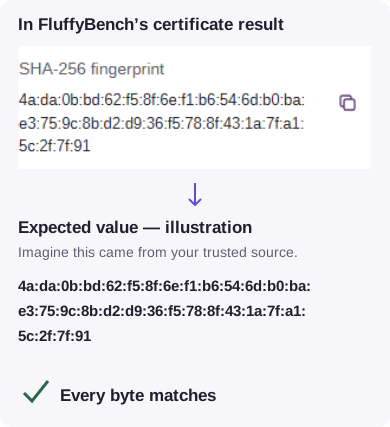
Is this the certificate you were told to expect? Its SHA-256 fingerprint is a compact code calculated from the encoded certificate; compare the whole value with one received through a trusted channel.
A certificate chain is a bundle of certificates meant to link together. FluffyBench arranges the supplied certificates by matching each issuer name to another certificate’s subject name.
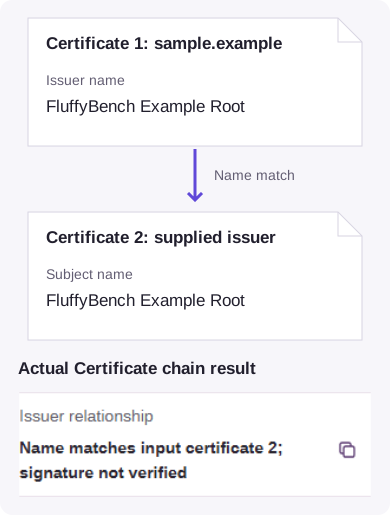
Name matching is an inspection step. A separate validator checks signatures, the requested hostname, dates, revocation and your app’s trust store. FluffyBench doesn’t fetch missing issuer certificates.
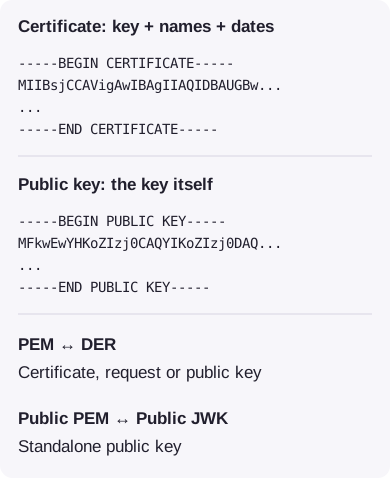
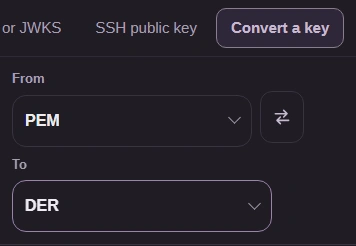
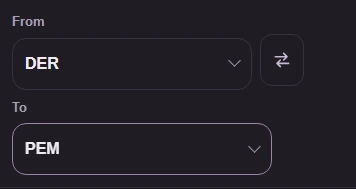
Check what the destination asks for before choosing From and To. A CERTIFICATE block includes names and dates around a public key; a PUBLIC KEY block carries the key itself.
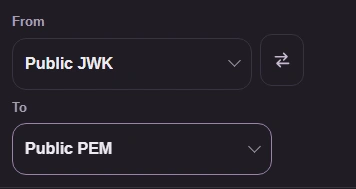
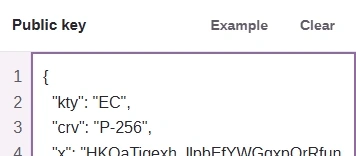
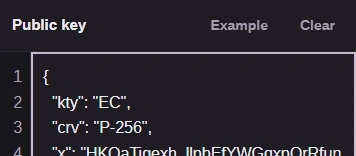
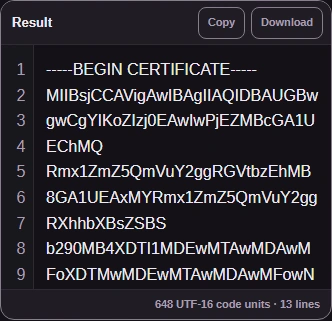
Think of the public key as cargo and its format as the package. Here’s FluffyBench’s built-in P-256 key as a public JWK and a PUBLIC KEY PEM block.
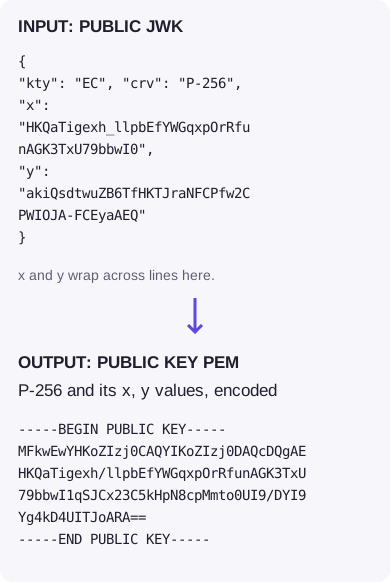
If your destination asks for a PUBLIC KEY PEM block, choose Public JWK → Public PEM. The walkthrough uses the same P-256 sample shown above.
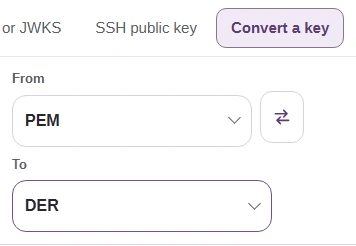
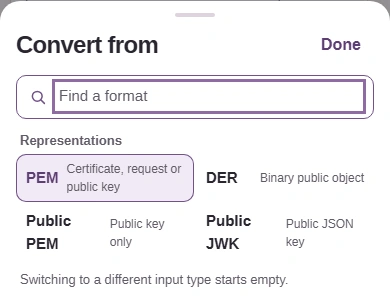
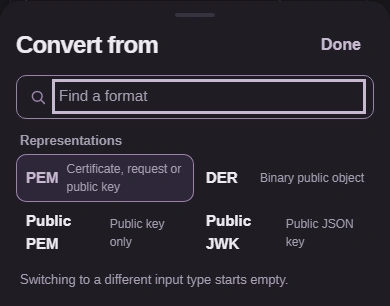
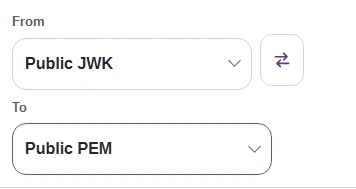


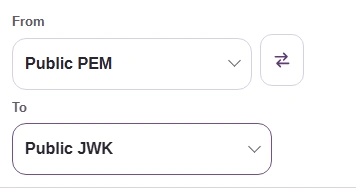
If the destination wants a JSON public key, use the reverse pair: Public PEM → Public JWK. FluffyBench exports the key’s values without assigning an algorithm policy or key use.
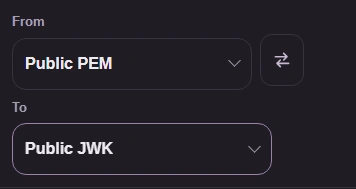
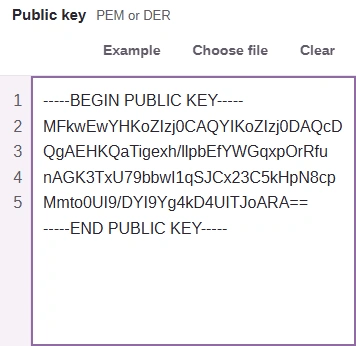
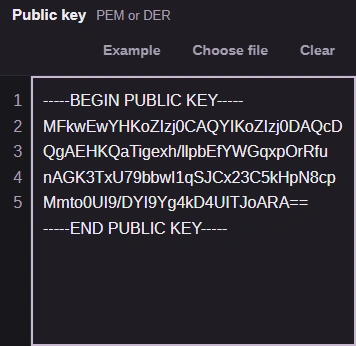
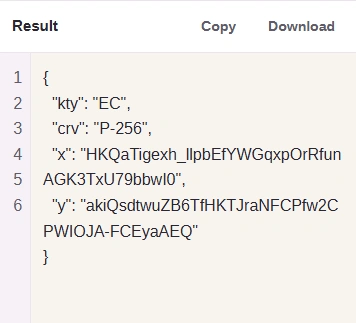
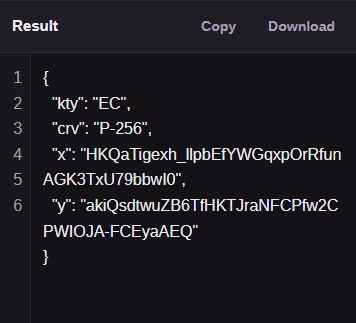
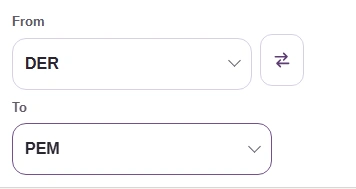
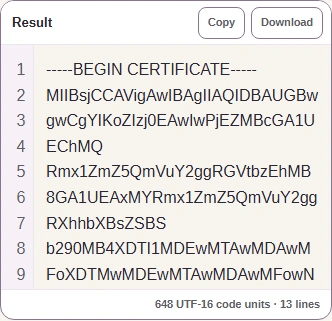
PEM wraps encoded bytes in a labelled text block; DER is the binary form. The PEM/DER pair handles a certificate, a signing request or a recognized public-key object.
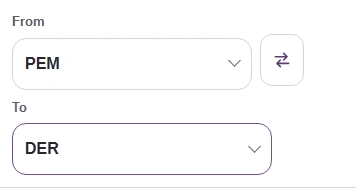
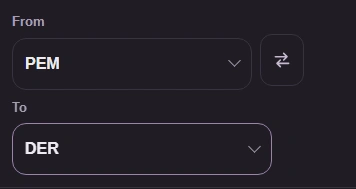
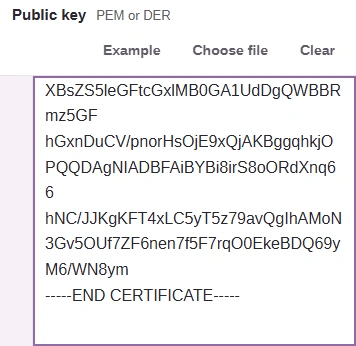
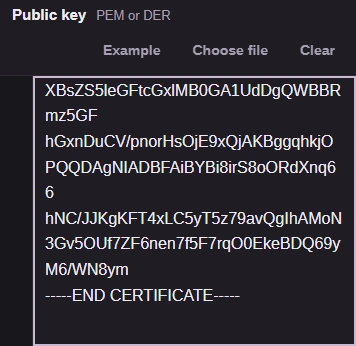
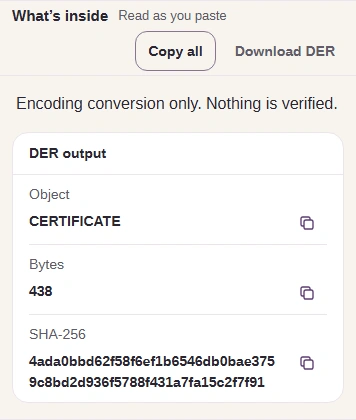
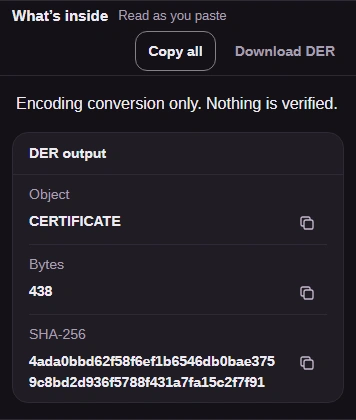
For a binary DER file, reverse the pair. FluffyBench reads the object’s structure to choose its PEM label, such as CERTIFICATE or PUBLIC KEY.
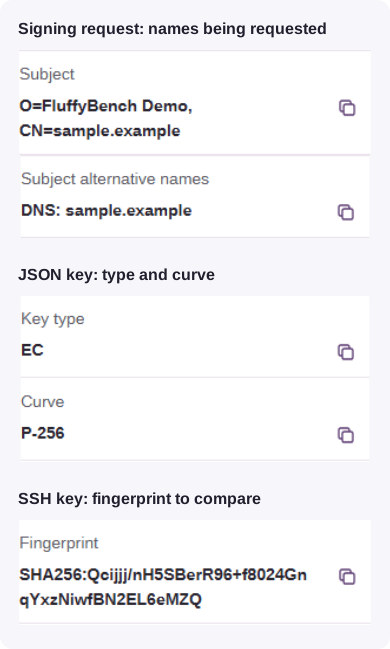
A signing request shows the name and extensions being requested; a JSON key shows its type and curve; an SSH key shows a fingerprint you can compare.
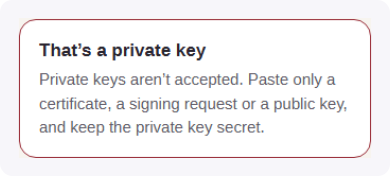
“That’s a private key” means FluffyBench found private material in the input. Use a public certificate, request or key; keep the private key secret.
A JWKS containing a private or symmetric member is refused as a whole.
For an input-size refusal, a larger certificate bundle or key set needs to be divided into smaller public inputs.
For a token’s header and claims, use FluffyBench’s JWT Decoder. For an ordinary file’s checksum, use FluffyBench’s Hash / checksum instead of reading it as a certificate.