
GIF and APNG converter
Convert images to GIF; animation is preserved.
FluffyShield Protected workspace
Convert images to GIF; animation is preserved.
Choose the format your site or chat accepts.
Set the GIF palette and each frame's dimensions.
Your animation is converted in your browser.
Limits For a refusal, see Fix a refused animation conversion.
Need a GIF for a site or chat? FluffyBench saves your animation as GIF or APNG, with choices for its colors, edges, and size.
An animated GIF is a digital flipbook: it shows still pictures, called frames, one after another, each held briefly before the next appears. Converting a still picture doesn't create new motion.
Use GIF when a site or chat asks for it; each GIF pixel is fully clear or fully solid. APNG is animated PNG: it keeps partly see-through pixels, so the soft blue rim around this badge can blend into a background when your destination accepts APNG.
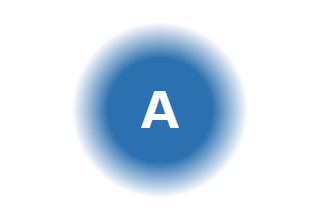
Source WebP · soft edge
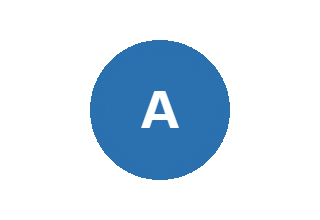
GIF · hard edge
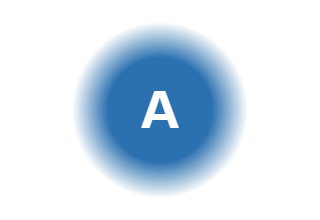
APNG · soft edge
For a GIF input, Keep the animation saves the frames in order, with their timing and loop setting. In Animated images, choose Still of frame 1 when your destination needs a single picture: the horse stays in one pose.
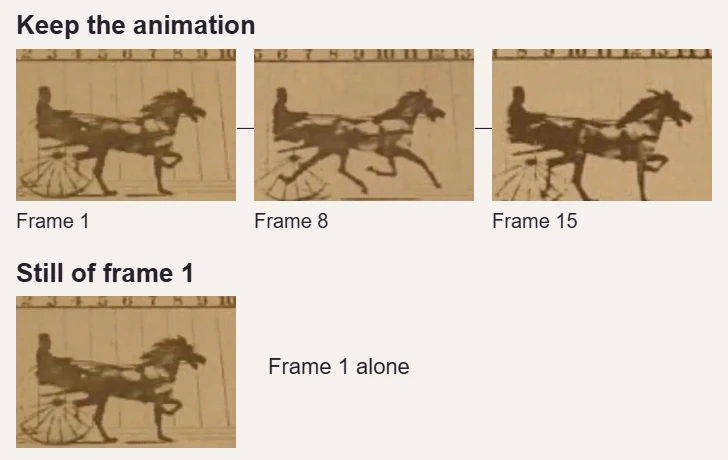
Moving sequence or first frame
FluffyBench's GIF and APNG converter works on your device. This quick workflow uses the default color and size settings; optional changes to make before Convert are shown under Choose GIF colors and pixel size.




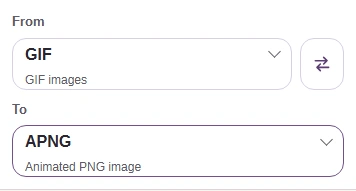
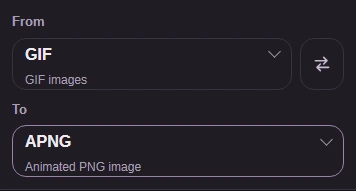
For GIF-to-APNG, change the two format pickers in the shared workflow: APNG becomes available when From is GIF. To decides the saved format; changing a filename's ending doesn't convert it.
A GIF palette is a small box of crayons: every part of the picture has to use one of its shades, so a smooth sky can turn into bands when the box doesn't have enough blues. Dithering trades those broad bands for tiny dots of nearby colors, like the dots in a newspaper photo.

Source sky

None · 16 colors

Floyd-Steinberg · 16 colors
Gradual shade changes.
The short color list leaves bands.
Dots soften the bands.
Before Convert, GIF palette chooses how many colors are available; a larger palette gives the picture more shades to work with. GIF dithering chooses how they're mixed, using None or Floyd-Steinberg.
Size means pixel width and height, not how much storage a file takes. Resizing changes every page of the flipbook together; Original leaves the canvas alone, Percentage scales both sides, and Dimensions sets a width or height.
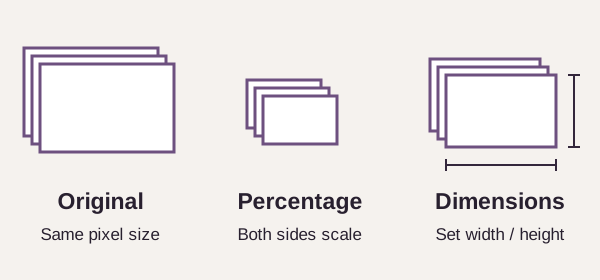
How Size changes the frame canvas
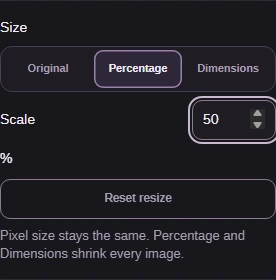
Optional: choose Percentage when you want the same proportions at a smaller scale. The Scale value below is an illustration, not a required setting.
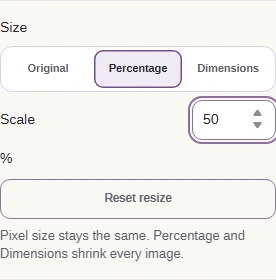
Dimensions is the alternative to Percentage when your destination asks for a particular width or height. Keep aspect ratio lets Auto follow the other side, so the picture doesn't stretch.
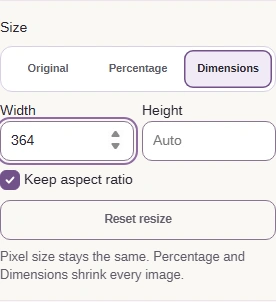
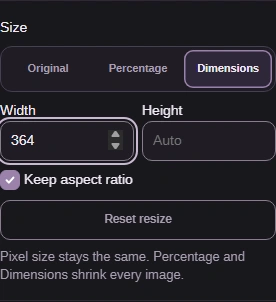
GIF and APNG use the same result controls. A finished conversion still needs to fit your destination's file-size and pixel-dimension limits; the output dimensions sit beside the storage size, below the source row.
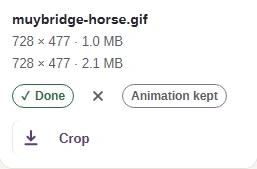
The saved animation needs to play at the right pace and look right against your destination's background. Here's the downloaded GIF playing in a local browser preview, with the horse's edge enlarged.

3. Play the saved animation · inspect the edge
Re-saving this horse animation, already a 1.0 MB GIF, at 16 colors made it about 2× as big, with the same dimensions.
FluffyBench refuses moving output beyond 500 frames or 64,000,000 pixels added up across all frames. The second limit counts width times height for each frame, so even a modest picture can reach it in a long animation; these are the actual messages.
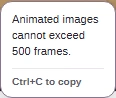
Too many frames · use a shorter source
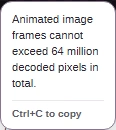
Too much frame area · use a smaller source
