
JPG converter
Convert images to JPG; choose the transparency matte color.
FluffyShield Protected workspace
Convert images to JPG; choose the transparency matte color.
Make a JPG the receiving app can use. Choose its detail and background in FluffyBench, then check the copy before you send it.
JPG and JPEG are two names for the same still-image format. Think of a JPG as a shipping copy: it makes a picture easier to hand over by rounding away some fine detail. It's a useful choice when an upload site or a recipient asks for JPEG.
Start with the picture you need to send. Your pictures stay on your device in FluffyBench's JPG converter.
Quality trades detail for file size; its number isn't a percentage of the original you keep. Small lettering makes that trade easier to see when a PNG screenshot becomes JPG.
Scroll to compare settings →
35.2 KB

54.5 KB
158.4 KB
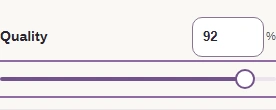
Use Quality when you want to choose the detail yourself. If an upload site gives you a maximum file size, FluffyBench's JPG converter can search for a quality that fits it.

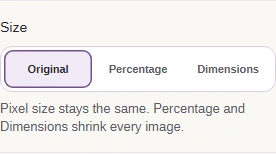
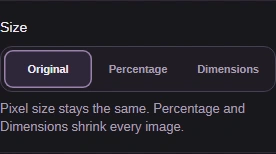
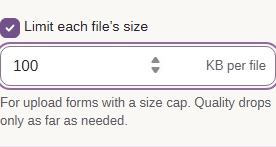
If the size search can't reach your limit, FluffyBench stops that image and reports the smallest file it reached. A larger limit or smaller pixel dimensions gives the picture more room to fit.
A new encoding can use more bytes than the source, as the lettering copies did. Why image files get larger explains that trade. For a closer look at photo texture, see what happens to image quality during conversion.
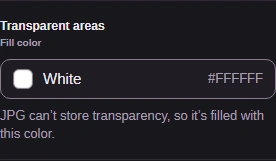
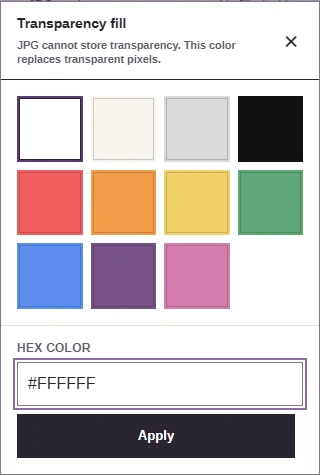
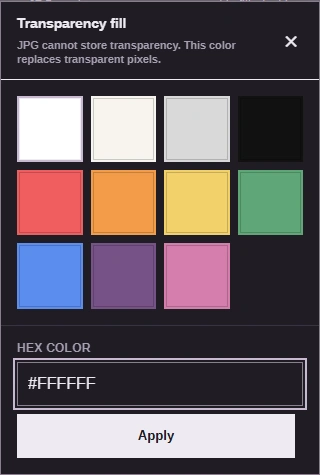
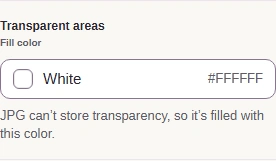
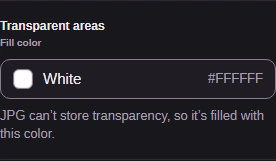
JPG fills see-through space with a solid color. A white fill blends into a white page; on a dark page, it leaves a visible rectangle.
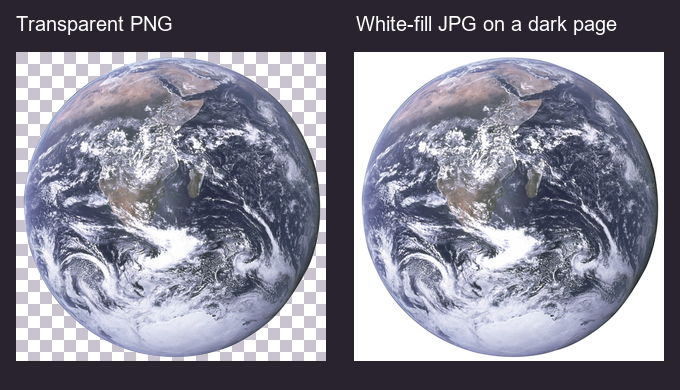
Transparent source and white-fill JPG
Checkerboard marks the PNG's see-through space.
The complete JPG has a white background.
This illustrated dark page makes the white rectangle visible.
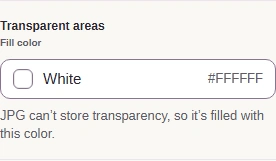
Choose the background with Fill color before you convert. Preset swatches and typed Hex colors take different paths through the picker.
A JPG copy is a still picture without the source's camera details.

What travels with the copy
An animated GIF or HEIC has a sequence of frames.
FluffyBench keeps the first frame and warns you about the change.
These fields aren't carried into the new JPG.
With your settings chosen, make the JPG copy in FluffyBench. Check its size, save it, and inspect the saved picture before sending it.



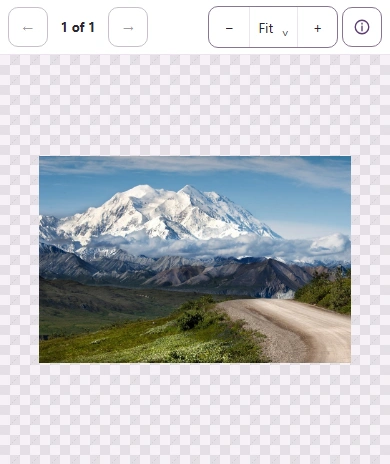
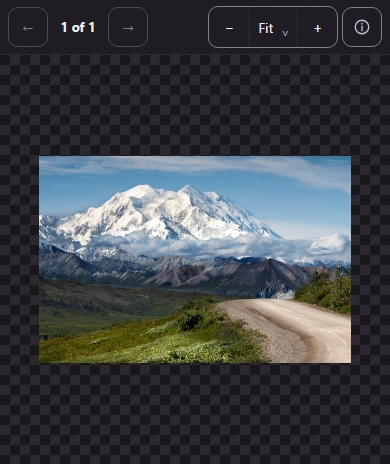
FluffyBench's JPG converter can save completed copies together when you add several pictures.
For help opening the archive, the batch ZIP guide explains the saved folder and files.
A cutout that needs see-through space calls for a format that can keep it.
PNG keeps transparency and avoids JPG's detail tradeoff.
Make a WebP when the destination accepts it and your picture needs transparency.
Choose JPG or PNG output on a workspace focused on HEIC input.
