
Why can a small HEIC file take time to decode on a phone?
A small HEIC file can hide a huge picture, and your phone has to unpack its pixels. If you're making a copy, writing the new file can take even longer.
How can a small HEIC become such a big job?
Think of a HEIC as a folded map. It's a compressed image file: small enough to tuck away, with a much bigger picture inside. Your phone has to unfold it into a grid of pixels before it can show or change the picture. That unpacking step is called decoding.
A 200-megapixel phone photo was about 2.4 MB saved. Unpacking its 12,240 × 16,320 pixels into red, green, blue and transparency (RGBA) takes about 800 MB for one pixel grid.

Which step takes longest when a phone converts a HEIC?
Making a copy in another format adds work after decoding. The phone has to encode the picture: pack the pixels into a new file.
In FluffyBench HEIC Converter, unpacking one large HEIC took about 12 seconds; writing its WebP copy took about 100. Writing WebP also took longest in FluffyBench Image Space Saver.

Doing it in FluffyBench
Need a copy for an app or site that asks for JPG? FluffyBench HEIC Converter makes that copy in your browser.
Here's how to make a JPG with the original pixel dimensions.
-
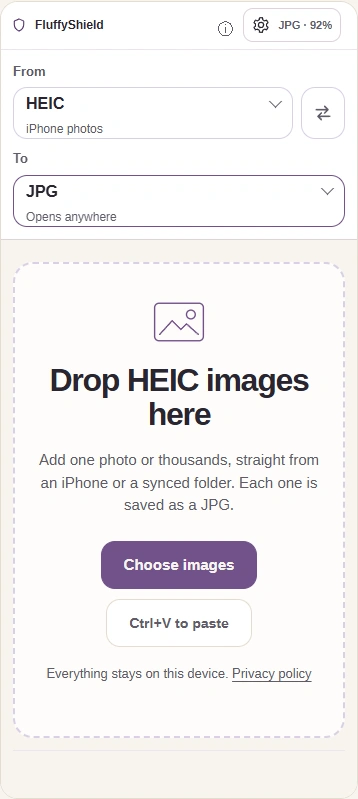
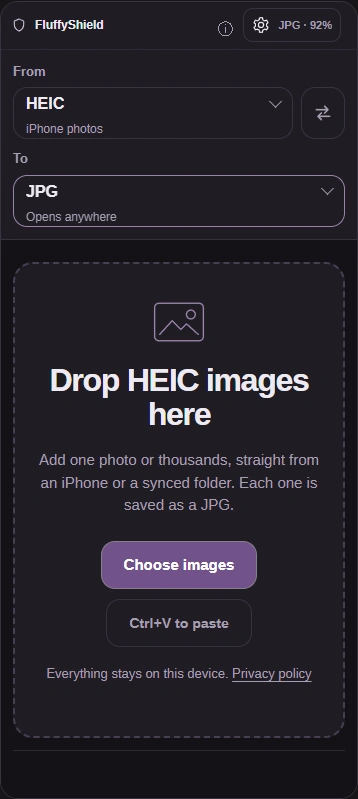
Step 1. Add your HEIC, leave To at JPG for this walkthrough, and open Settings with the gear button. - Choose images adds your HEIC photo.
- Leave To at JPG to make a JPG copy.
- The gear button opens Settings.
-
-
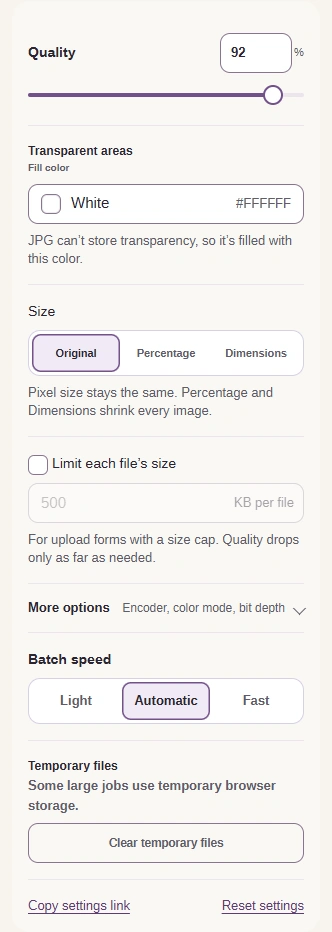
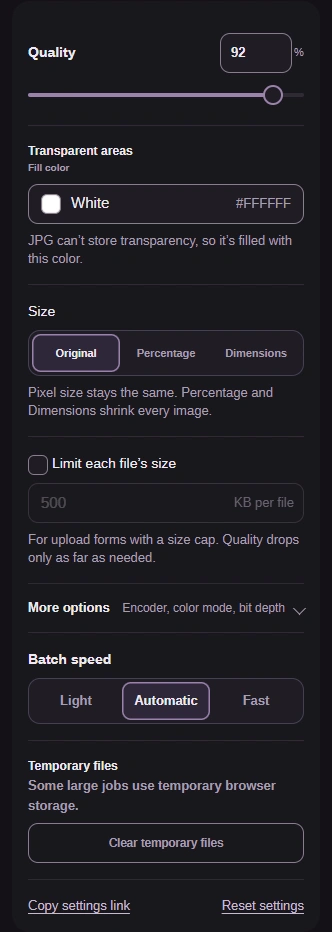
Step 2. Quality balances fine detail against file size. Size set to Original keeps the photo's width and height. - Leave Quality at 92.
- Leave Size on Original.
-
-
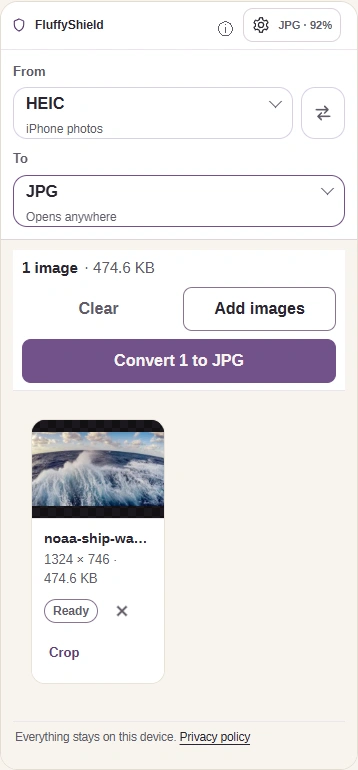
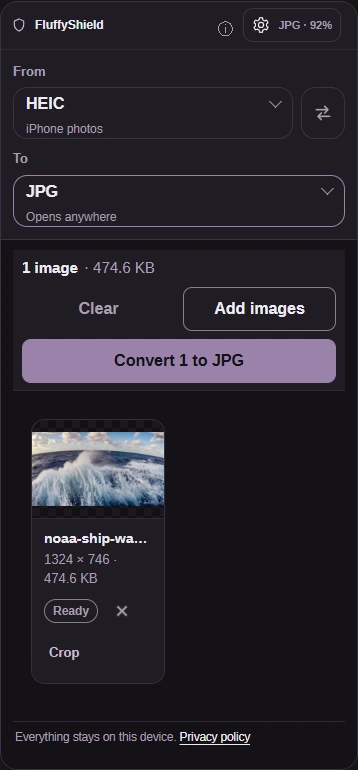
Step 3. Close Settings with the same button, then press Convert to make your copy. Photo: NOAA, public domain. - The gear button also closes Settings.
- Convert 1 to JPG starts the conversion.
-
-
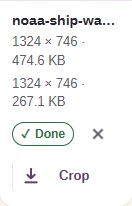
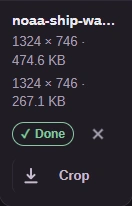
Step 4. Check the new size and dimensions, then download your JPG. Keep the HEIC until you've checked the saved copy in the app or site that needs it. - Read the JPG's size and dimensions.
- The download arrow saves your JPG.
-
Working with HEIC photos mixed with other image formats?
FluffyBench Image Space Saver converts a mixed batch of image formats in one workspace.