
Image Space Saver
Resize, compress to a file size, and convert mixed image batches locally.
FluffyShield Protected workspace
Resize, compress to a file size, and convert mixed image batches locally.
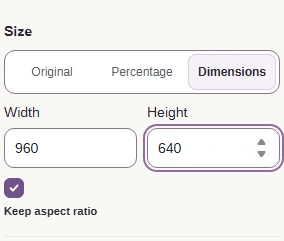
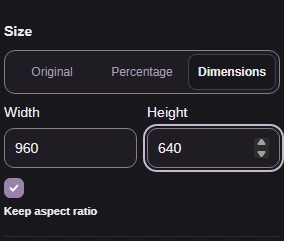
Resize the picture without cutting away its edges.
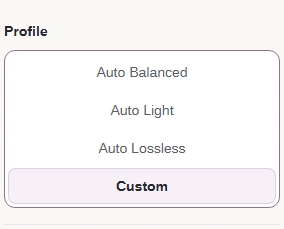
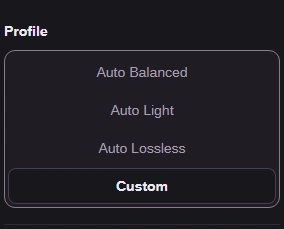
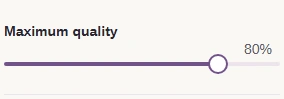
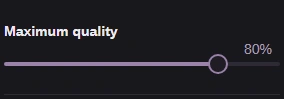
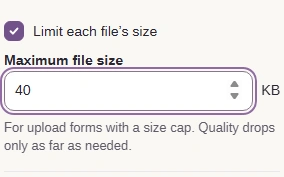
Custom reveals the per-file size limit and quality ceiling.
Download finished pictures individually or together in a ZIP.
Limits Processing stays in your browser on your device; batch size depends on available memory.
FluffyBench Image Space Saver can resize your pictures and try quality settings against a file-size limit. You get a preview and a size readout to check before saving.
Think of a picture as a grid of tiny tiles. Size changes the grid; compression changes how compactly that grid is saved.
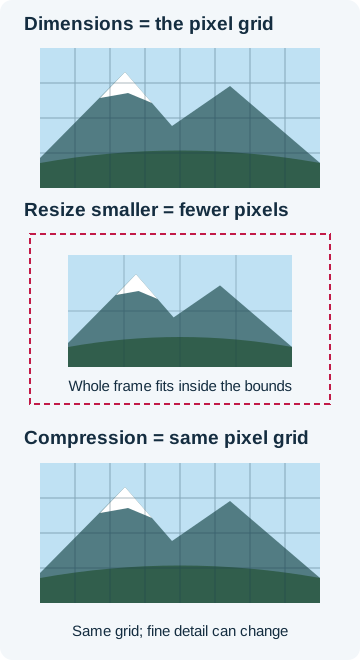
Two ways to make a picture smaller
Resizing keeps the full picture. If you need to remove an edge or change the framing, FluffyBench Image Crop lets you choose what stays.
For help choosing between pixels, compression, and a new format, read resize, compress, or convert?.
This mountain photo went from 678.2 KB to 39.4 KB without changing its pixel dimensions.
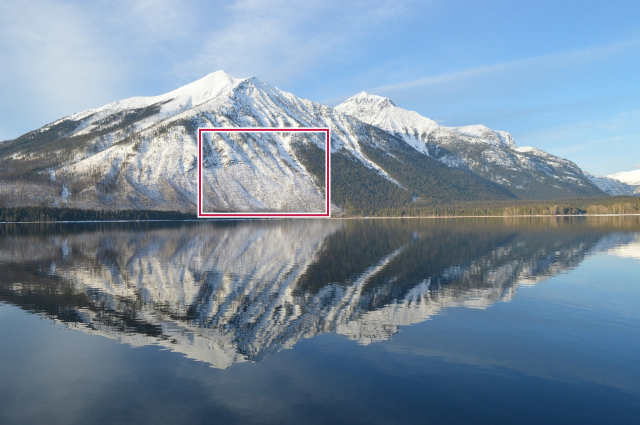
Original JPG
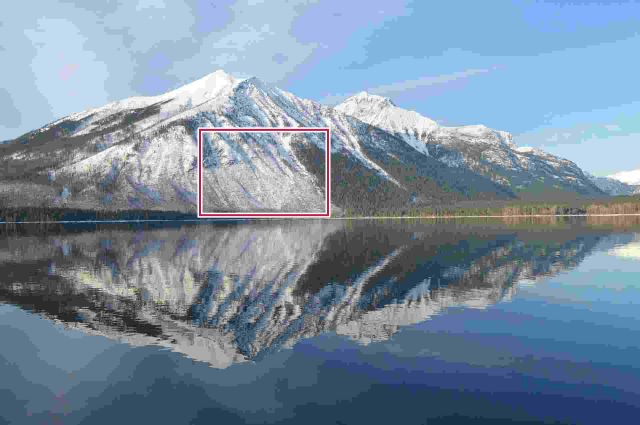
JPG under the size limit
Compare the marked patch in the original JPG and the smaller saved copy.
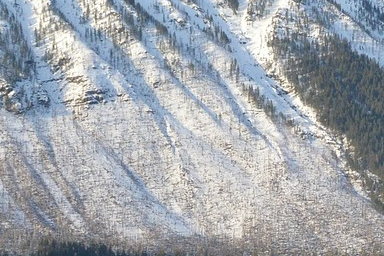
Original detail
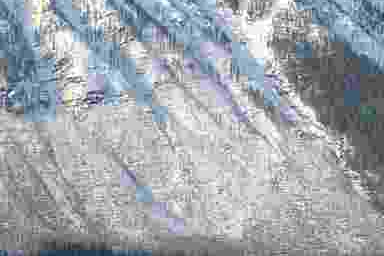
Smaller JPG detail
Need help interpreting an upload cap? See getting a photo under an upload size limit.
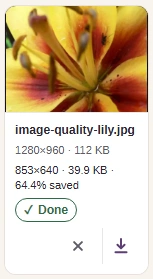
FluffyBench Image Space Saver's Custom profile gives you control over file type, dimensions, and a per-file size cap. Here's the whole job, from choosing pictures to downloading the results.
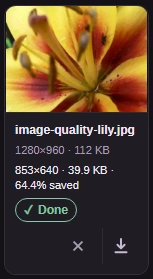


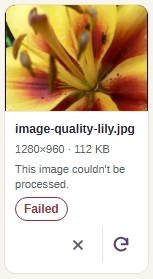
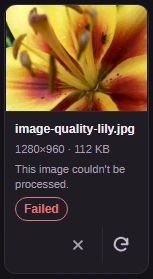
If Image Space Saver reports Failed after a size-limit search, there's no finished copy to download.

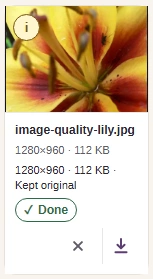
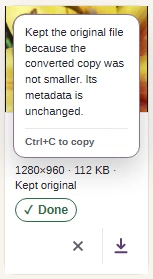
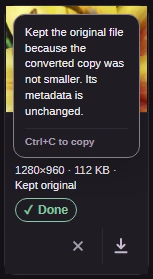
If a result says Kept original when you expected another file type, the i button has the explanation.
If you need a JPG file regardless of savings, FluffyBench's JPG converter is the better fit: its job is to make that format.
For more on saving groups, see batch downloads: ZIPs, folders, and files.
