
HEIC converter
Convert HEIC images to JPG; choose the transparency matte color.
FluffyShield Protected workspace
Convert HEIC images to JPG; choose the transparency matte color.
A website or app won't take your HEIC photo? FluffyBench's HEIC converter makes a JPG, PNG or WebP copy in your browser.
HEIC packs a photo like a lunchbox: the receiving app needs to know how to open it. FluffyBench's HEIC converter reads the picture and saves a separate JPG, PNG or WebP.
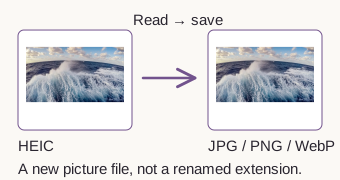
JPG rounds off some picture detail when it saves, a little like a photocopy softening tiny edges. Quality changes how much detail it keeps.
For one locally prepared HEIC photo, the default JPG came out about half the size; Quality 100 made a larger file than the HEIC. Formats and quality settings pack pictures differently, so a JPG is not automatically smaller.

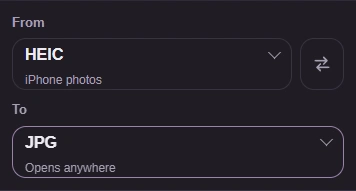
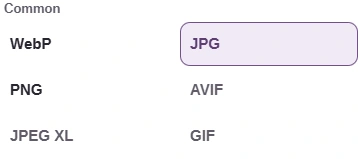
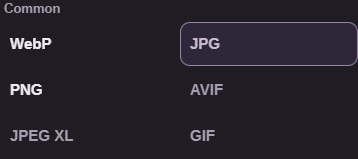
Match To to the format your website or app asks for. These steps use the default JPG settings; PNG and WebP follow the same conversion and download path.
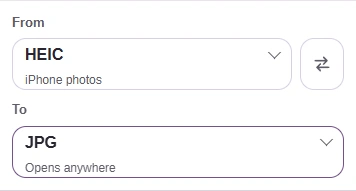

These save options are branches of the same job: Copy image for PNG, or a ZIP for several completed files.
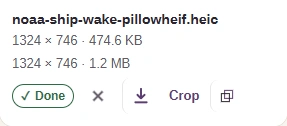
Optional: copy a PNG
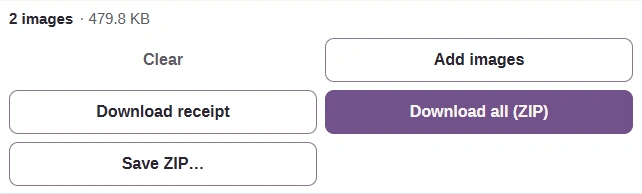
Optional: save a batch
Copy image copies PNG image data when your browser can write images to the clipboard.
The download-arrow icon saves the file if you prefer a download or Copy image is unavailable.
Download all (ZIP) saves the completed images together.
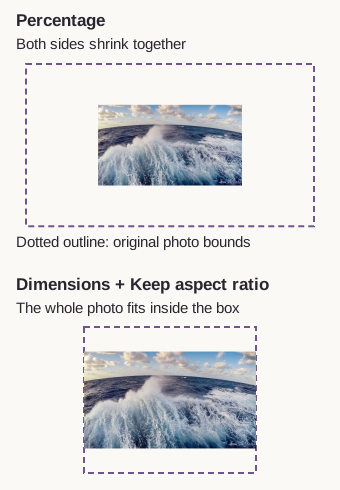
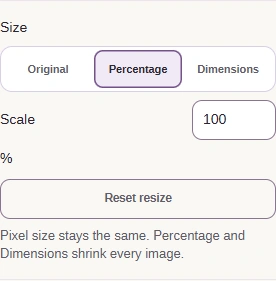
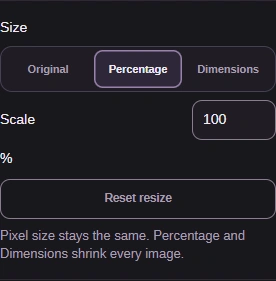
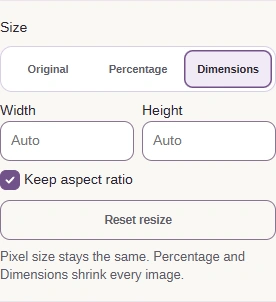
Percentage shrinks both sides together. Dimensions can fit the same photo inside a smaller box without stretching it when Keep aspect ratio is checked.
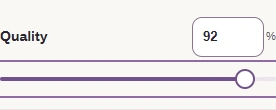
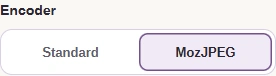
If the default JPG needs adjusting, open the settings chip. These choices apply to the next conversion.



Need to fit a strict upload cap? FluffyBench's Image Space Saver helps you compare size and quality choices for that job.
Open the saved copy in its destination. FluffyBench's Image Viewer is shown here as an example: the photo opens as JPG, you can read the file information and inspect the picture.

Check the picture
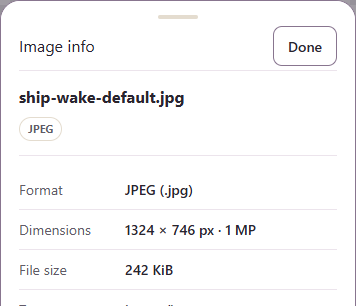
Check the format, dimensions and size
Check that your destination accepts the saved format: JPEG here.
Compare the finished file size with your upload cap.
Inspect the picture detail that matters for your use.
A converted photo carries the main picture, with rotation and mirroring applied. Some things stored beside the HEIC picture don't travel into the copy.

Extra pictures and sequences don't always travel into the copy; read any notice on the completed row. For moving pictures, see GIF, WebP and APNG compared.
FluffyBench needs your browser to read HEIC. If it can't, the workspace shows a message like this Windows example, with a suggestion for that device.

Windows browser notice
A message naming bit depth or color sampling means the file uses a HEIC variant FluffyBench can't read. It reads 8-bit, 4:2:0 images; 10-bit, 4:4:4 and 4:2:2 inputs are refused.
