Area Converter

Convert square meters, square feet, hectares, square kilometers and square centimeters. 1 ft² is exactly 0.09290304 m² and 1 hectare is 10,000 m².

FluffyShield Protected workspace
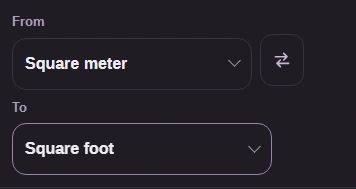
From
To

Convert to

Units

Square meterm²From
Square centimetercm²cm²
Square kilometerkm²km²
Square footft²ft²
Hectarehaha

Other quantities have their own pages: Length, Mass, Temperature, Volume, Speed, Pressure, Energy, Power and Data size.

FluffyShield

Isolated workspace: other page scripts can't read your files. How FluffyShield works

Need an area in a different unit?

Moving a floor-plan area from square meters to square feet? FluffyBench's Area Converter changes the units for you while the surface stays the same size.

How it works
  1. Enter an area value
  2. Choose its current and target units
  3. Read or copy the result

Area units

Square meter (m²), Square centimeter (cm²), Square kilometer (km²), Square foot (ft²), Hectare (ha). Acres aren't offered.

Swap direction

Tap ↔ to exchange From and To while keeping the typed area value.

Result as you type

Your area conversion updates on this page as you type.

Limits Start with an area you've already measured or calculated.

Why does 1 m² become 10,000 cm²?

Think of a tabletop covered with tiny square tiles. From and To change the size of tile you're counting; the tabletop stays the same size.
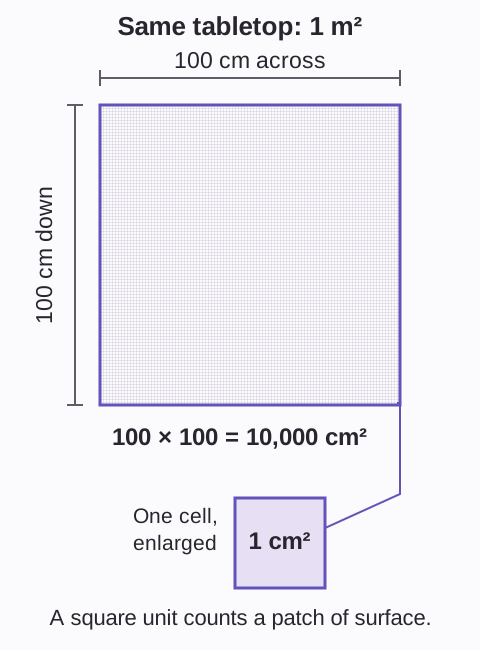
A square meter has 100 centimeter cells across and 100 down, giving 10,000 cm². An enlarged cell is labeled one square centimeter.
1 m² = 10,000 cm²: area counts across and down, so the length factor is used twice. How we reviewed

Doing it in FluffyBench Area Converter

From is the unit you have; To is the unit you need.
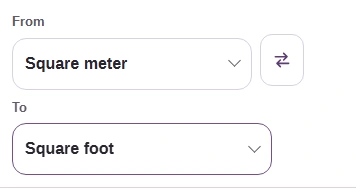
  1. From is Square meter; the To picker is ready to open.
    From is Square meter; the To picker is ready to open.
    Step 1. Match From to your area’s unit. Open To to choose the unit you need.
    1. From is Square meter.
    2. Open To for the destination unit.
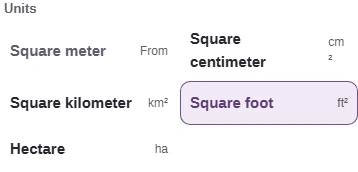
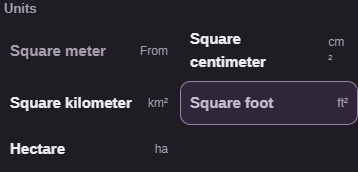
  2. The unit picker offers Square centimeter.
    The unit picker offers Square centimeter.
    Step 2. Choose Square centimeter; choosing a unit closes the picker.
    1. Choose Square centimeter.
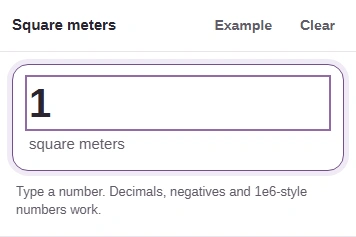
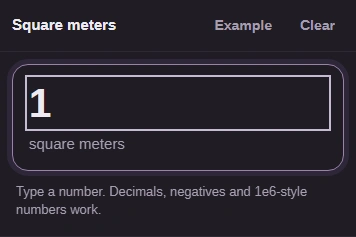
  3. Input value is 1, labeled square meters.
    Input value is 1, labeled square meters.
    Step 3. Use the number from your plan or calculation.
    1. Type 1 in Input value.
    2. Check that the input is in square meters.
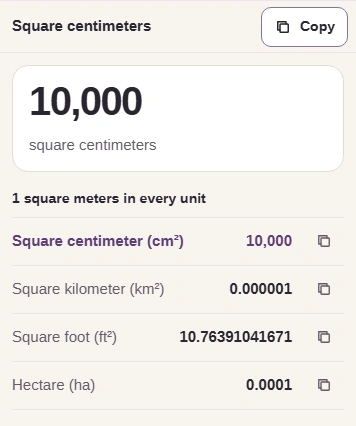
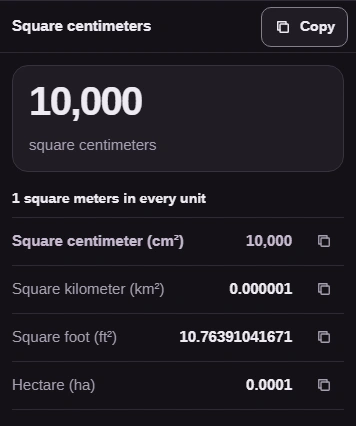
  4. The result is 10,000 square centimeters, with Copy and values in every other area unit.
    The result is 10,000 square centimeters, with Copy and values in every other area unit.
    Step 4. Copy takes the number without its unit or display commas. The square-foot decimal is rounded.
    1. Read 10,000 square centimeters.
    2. Copy the square-centimeter result.
    3. The highlighted row matches To; each row has Copy.

Copy gives you the number; add the destination unit when you paste it.
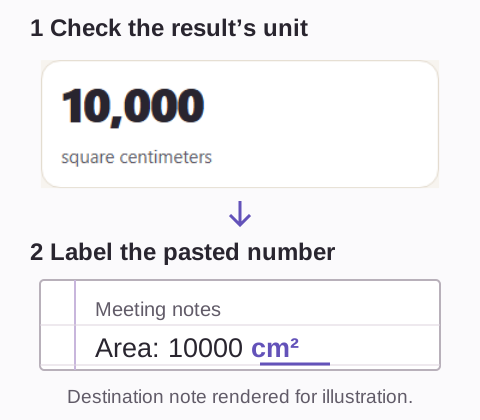
A real FluffyBench result reads 10,000 square centimeters. An arrow leads to an illustrated meeting note reading Area: 10000 cm², with the added unit underlined.
Match the pasted unit to the unit your plan or document needs.

What happens when you swap the area units?

Swapping changes which area your number describes.
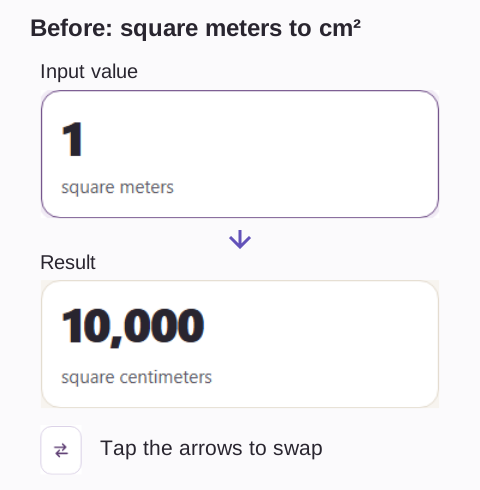
Before swapping: Input value is 1 square meter and the result is 10,000 square centimeters. The arrows button swaps From and To.
Before

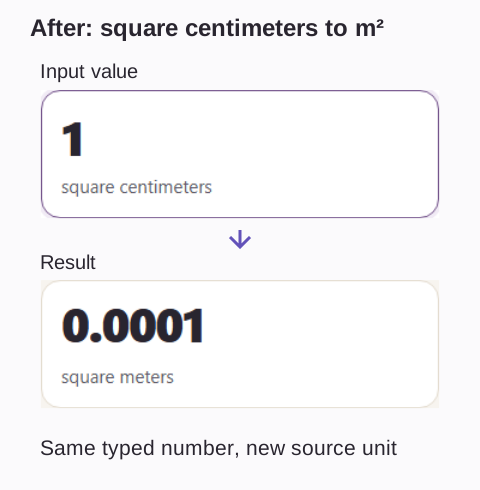
After swapping: Input value is still 1, now in square centimeters, and the result is 0.0001 square meters.

After

↔ exchanges From and To; Input value stays 1.

No answer, or Copy unavailable?

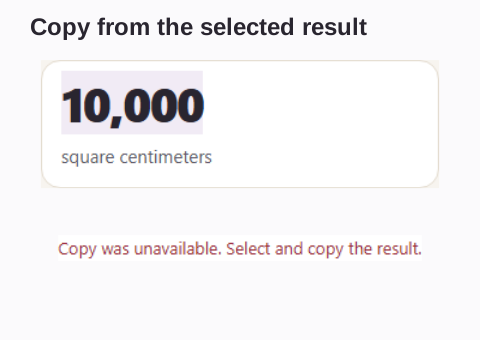
Input value expects a number by itself; unit text belongs in From. If the clipboard is unavailable, FluffyBench leaves the result selectable.
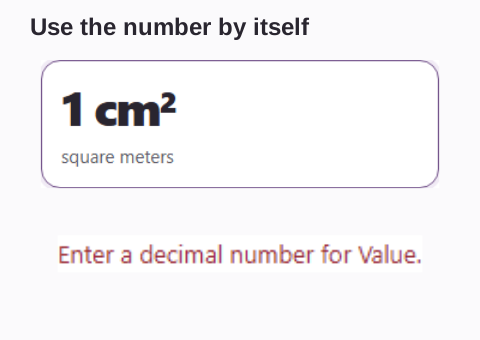
Input value contains 1 cm². FluffyBench displays Enter a decimal number for Value.

Unit text in Input value

The result 10,000 is selected above the message Copy was unavailable. Select and copy the result.

Clipboard unavailable

Unit text triggers “Enter a decimal number for Value.” Clipboard trouble triggers “Copy was unavailable.”

Need to convert a distance?

Need to convert volume units?

Search FluffyBench