
ICO converter
Convert images to ICO; choose the icon sizes.
FluffyShield Protected workspace
Convert images to ICO; choose the icon sizes.
Need an icon file for an app or website? FluffyBench can package your image into several ICO sizes—or turn an existing ICO’s largest picture into a PNG.
Think of an ICO as a set of the same badge printed in several sizes. An app can pick the picture that fits its space. Use ICO when the destination requests that set; use PNG when it asks for one picture.
FluffyBench makes each selected ICO size from one source picture. With an existing ICO, that source is its largest picture; the smaller stored originals don’t pass into the new file.

The two ICO conversion paths
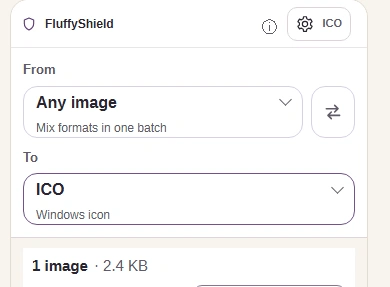
Use FluffyBench’s ICO converter when your app or website asks for an ICO. This fruit logo becomes one file with the sizes you tick.
Don’t know which sizes your website needs? The favicon and app-icon size guide explains the different places an icon appears. An app’s own requirements take priority over the default selection.
Wide or tall artwork is fitted inside a clear square, with its edges kept in view.

Source artwork and fitted ICO picture
Here’s the fruit logo in the four default ICO sizes, with two small-picture details enlarged.
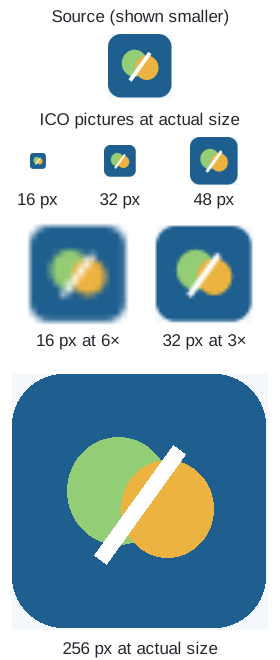
Same artwork, different icon sizes
In our measured ICO example, the default rebuild was smaller than the source and the all-sizes rebuild was larger. Choose sizes for the destination; ticking everything isn’t a way to shrink the file.
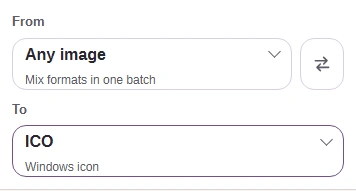
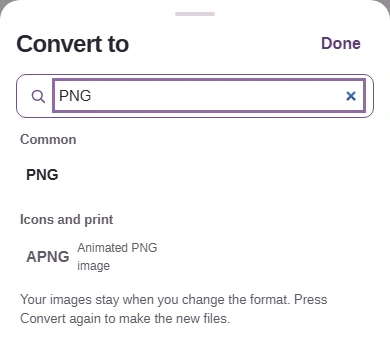
Need one PNG from an existing ICO? You can change To in this same workspace.
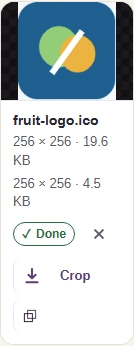
Need every picture stored inside the ICO, including any separately drawn small versions? FluffyBench’s Image Extractor returns those pictures individually. A PNG export here gives you one picture.
FluffyBench’s PNG converter opens directly on PNG output, so you can bookmark that starting point.