TIFF converter
Convert images to TIFF; LZW compression is available.
FluffyShield Protected workspace
Convert images to TIFF; LZW compression is available.
Make a TIFF for a print or editing handoff.
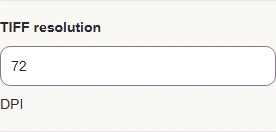
Match the DPI requested by your print workflow.
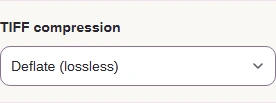
Choose Uncompressed, Deflate, or LZW for the receiving app.
Limits Processing stays in your browser.
Make a single-page copy in FluffyBench with the color, compression, and print resolution your next app asks for.
Think of TIFF as a labeled package: it carries your picture and instructions for the app that opens it.
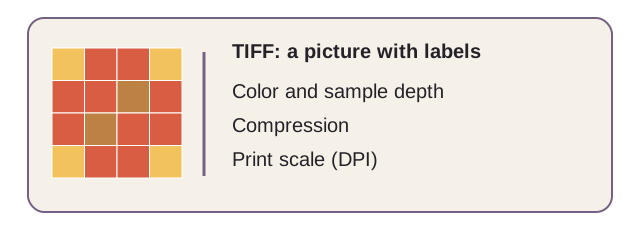
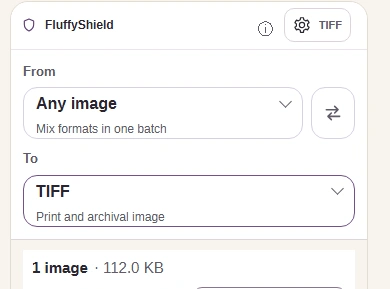
These phone captures show the TIFF settings behind the gear. 16-bit keeps native color precision from farbfeld, Netpbm, SGI, and PSD inputs; other inputs are widened from 8-bit values, so the higher setting won't add detail.
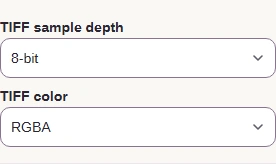
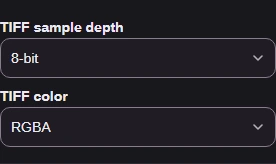


TIFF color decides what happens to see-through areas: RGBA keeps them, while RGB and Grayscale fill them with white.

Uncompressed writes every pixel in full; Deflate and LZW pack the pixels like a ZIP without discarding picture information. These measured sizes show why a compressed TIFF can still be larger than its source.
A JPG already packs a photo tightly, so TIFF compression doesn't promise a smaller file. If you need a smaller sharing copy, FluffyBench's JPG or WebP converter is a better next stop. Why converted images can grow explains the size change.
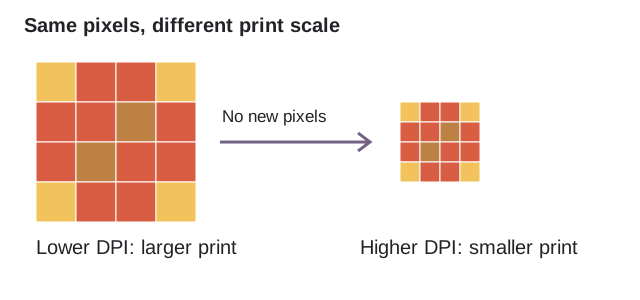
A higher TIFF resolution (DPI) tells the print app to fit the same pixels into a smaller space. It doesn't create more pixels.
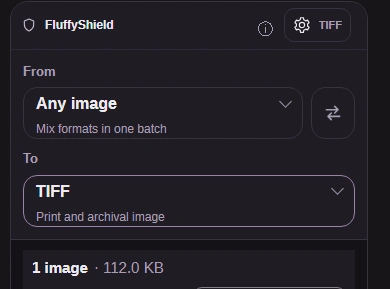
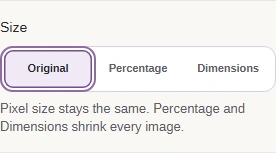
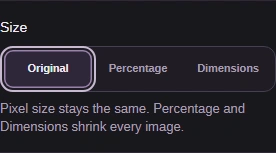
Here's the phone walkthrough, from choosing an image to saving a TIFF. On a wider screen, the same settings are already beside your images.
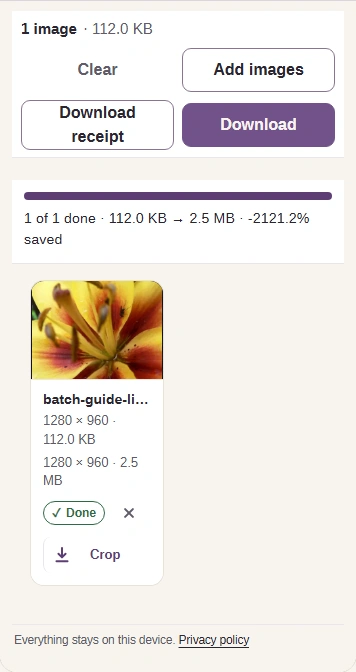
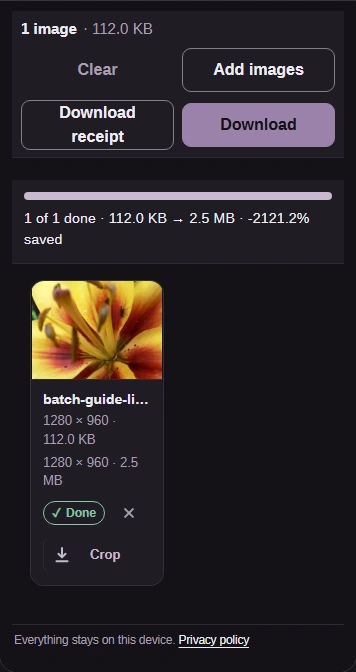
Before you use a TIFF, check that the saved copy opens in its destination and fits that destination's file rules.

3. Compare a fine edge in your source and saved copy. In this measured flower detail, the JPEG source and both TIFF copies match pixel for pixel.

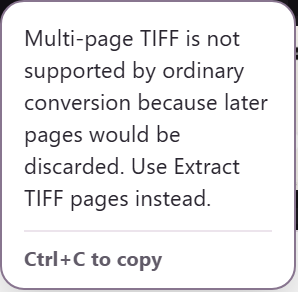
FluffyBench's TIFF converter accepts classic, single-page TIFF input. A scan stack needs FluffyBench's Image extractor: its Extract TIFF pages action handles the pages separately.
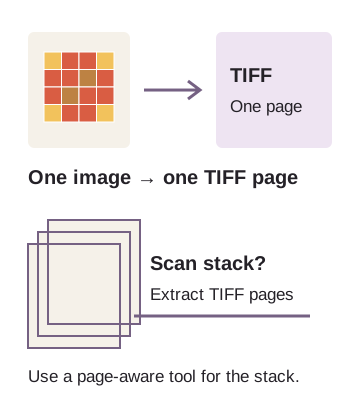
Multi-page TIFF input stops with this message, so later pages aren't dropped.
BigTIFF input also needs FluffyBench's Image extractor. If a receiving app refuses your finished TIFF, match its color, sample-depth, and compression requirements. If it asks for a JPG, PNG, or WebP instead, use the matching FluffyBench converter linked below.
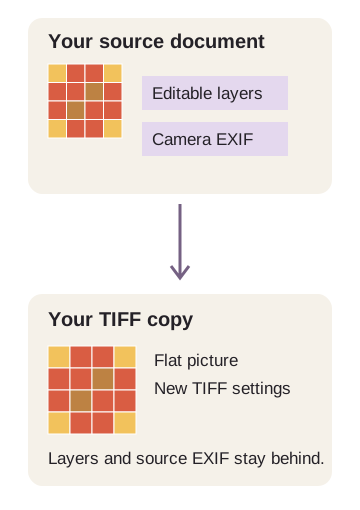
FluffyBench's TIFF output is a flat picture with new TIFF settings. It doesn't carry over editable layers or source camera information (EXIF).